


Canonical URL: What It Is and Why It Matters

A canonical URL is the address you want search engines to index when the same or nearly the same content loads at several URLs. You declare it with a rel="canonical" link element in the page head, and search engines use it to fold duplicate pages into one result.
I see this term most often when a founder pastes a Search Console warning into our support chat and asks, "Do I need to fix this?" Let's break it down, then walk through what happens on real CMS platforms.
What Is a Canonical URL?
Think of a canonical URL as the official address for a piece of content. Say your post loads at example.com/post/, example.com/post, and example.com/post/?utm_source=newsletter. Visitors see one page. Search engines see three URLs. The canonical tag tells them which one to keep.
Canonical URL meaning in plain terms
The canonical URL is your preferred URL. Every other address that serves the same content is a non-canonical duplicate, and the process of choosing between them is called canonicalization. Google covers the basics in its documentation on what URL canonicalization is.
One-line definition: a canonical URL is the version of a page you want indexed, and the canonical tag is how you say so.
A canonical tag is a hint, not a directive
Treat the canonical tag as a strong suggestion, not a command. Google's canonicalization guidance says it weighs several signals, including redirects, sitemap entries, and internal links, and it may pick a different canonical than the one you declared. The standard behind the link relation is RFC 6596 from the IETF.
Why a Canonical URL Matters for SEO
Without a clear preferred version, search engines have to guess. Here is what a canonical URL settles:
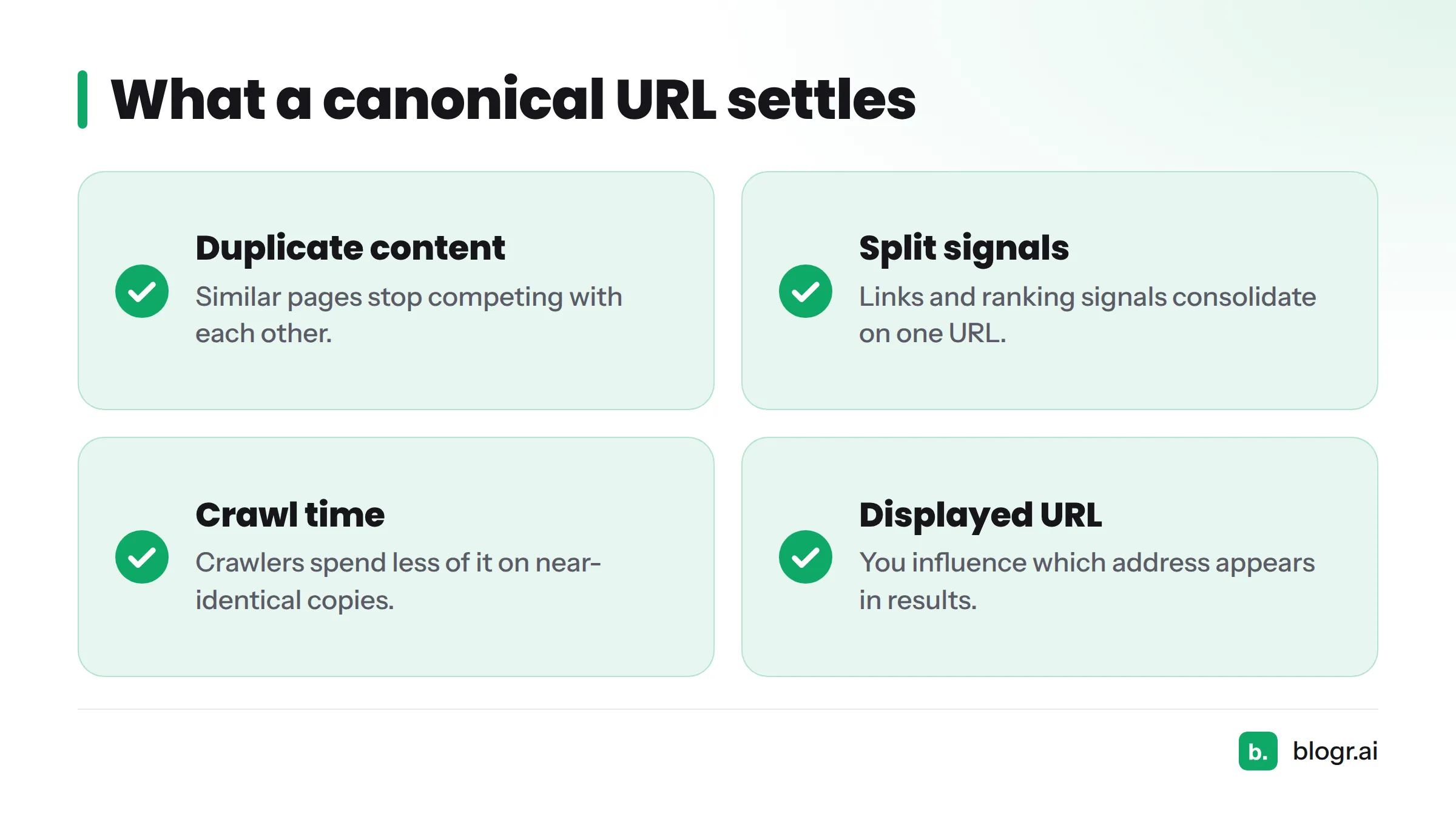
- Duplicate content: similar pages stop competing with each other.
- Split signals: links and other ranking signals consolidate on one URL.
- Crawl time: crawlers spend less of it on near-identical copies.
- Displayed URL: you influence which address appears in results.
That is the whole case for canonical URL SEO work: fewer guesses on Google's side, and one page collecting the credit.
A rel=canonical Example You Can Copy
Place this in the <head> of the page:
<link rel="canonical" href="https://example.com/canonical-url/" />
Self-referencing canonical
A self-referencing canonical points a page at its own clean URL. It works as a safety net: if a tracking parameter gets appended, the tag still names the right version.
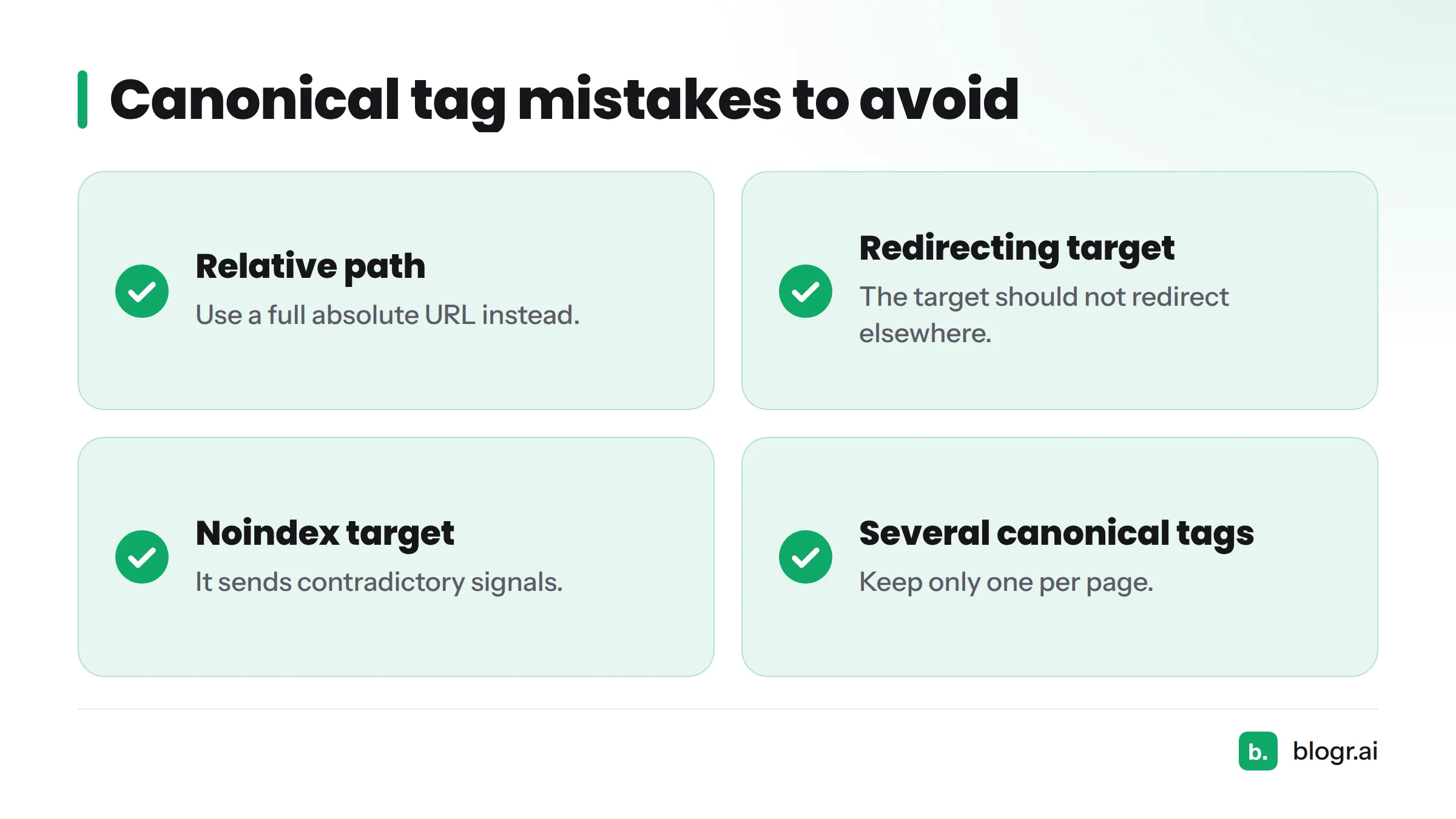
What a wrong example looks like
- A relative path such as
href="/canonical-url/"instead of a full absolute URL. - A target that redirects elsewhere.
- A target set to
noindex, which sends contradictory signals. - Several canonical tags on one page.
Picture three duplicate URLs, each with an arrow pointing to one canonical address. That is the goal.
Common Use Cases for Canonical URLs
| Variant pattern | Example URLs | Canonical choice |
|---|---|---|
| URL parameters (UTM, sort, filter) | /shoes/?sort=price, /shoes/?utm_source=x |
/shoes/ |
| HTTP vs HTTPS | http://example.com/a/ |
https://example.com/a/ |
| www vs non-www | www.example.com/a/ |
Whichever host you standardize on |
| Trailing slash | /a and /a/ |
One consistent form |
| Syndicated content | Partner site republishes your post | Your original URL (cross-domain canonical) |
Syndication deserves one extra note. If another site republishes your article, ask them to point a cross-domain canonical at your original. Print or AMP-style alternates follow the same logic.
How CMS Platforms Emit Canonical Tags on Auto-Published Posts
This is where our experience with CMS publishing integrations comes in. Most platforms output a self-referencing canonical by default. The exact behavior depends on your theme, template, or SEO plugin settings, so check the rendered source instead of assuming.
| Platform | Where the canonical comes from | Default behavior | Watch-out |
|---|---|---|---|
| WordPress | Core, theme, or SEO plugin | Self-referencing on posts and pages | Plugin and theme can both output a tag |
| Webflow | Page settings in the Designer | Canonical field available per page | Set it on templates and collection pages deliberately |
| Shopify | Theme Liquid templates | Self-referencing on product and collection URLs | Product URLs reachable through collections can create variants |
Auto-published posts need this check because duplicates usually arrive by the side door: a newsletter link with UTM tags, a template variant, or a second URL path to the same item. Each one is a new address for content that already exists.
Duplicate-URL Patterns That Show Up in Search Console
The Page indexing report in Google Search Console labels duplicates with specific statuses. Our guide on reading Search Console data covers the rest of the interface.
| Pattern | Typical status | What it usually means |
|---|---|---|
| Parameter or filter URLs | Alternate page with proper canonical tag | Working as intended |
| Variants with no tag | Duplicate without user-selected canonical | Google picked one for you; add a tag |
| Conflicting signals (tag vs sitemap or links) | Duplicate, Google chose different canonical than user | Google disagrees with your declared URL |
| http/https or www mismatch | Either of the above | Redirects and tags are not aligned |
Keep your sitemap consistent too, and list only canonical URLs there.
Canonical URL vs. Related Terms at a Glance
| Term | What it does |
|---|---|
| Canonical URL | Names the preferred version; duplicates stay accessible |
| 301 redirect | Sends users and crawlers to a new address permanently |
| noindex | Asks search engines to keep a page out of the index |
| Sitemap URL | Suggests which URLs you want crawled |
| Search index | The database where eligible pages are stored |
FAQ
What is the purpose of canonical tags in SEO?
They tell search engines which duplicate URL to treat as the main one, so ranking signals consolidate and the right address appears in results.
How do I find a page's canonical URL?
View the page source and search for rel="canonical". You can also inspect the URL in Search Console, which shows both your declared canonical and the one Google selected.
What does "Google chose different canonical than user" mean?
Google judged another URL a better representative than the one you declared. Check redirects, internal links, and sitemap entries for conflicting signals.
Does every page need a self-referencing canonical?
No, it is not required. It is still a sound default for indexable pages, since it guards against accidental parameter variants.
Next steps
Want to see which of your URLs are duplicates or not indexed? Connect the Search Console audit and review the flagged pages. Then browse the SEO glossary for the next term, or visit blogr.ai to see how we publish clean, canonical-ready posts.