


User Experience (UX) Definition and SEO Impact

User experience (UX) is how easy, useful, and clear a website feels to a visitor, from the search result to the finished task. It affects SEO because speed, mobile usability, structure, and intent match decide whether people click, stay, and find answers.
What Is UX? A Plain User Experience Definition
Think of the last time you gave up on a page. Maybe it jumped around while loading, or it never answered your question. That feeling is UX, and it starts earlier than most people think.
UX definition in one sentence
UX is the total interaction a person has with a product, service, or site. Nielsen Norman Group defines user experience as every aspect of the end user's interaction with a company, its services, and its products. If you are searching for the UX user experience definition, that is the short version. Don Norman popularized the term at Apple in the 1990s.
UX vs UI vs CX
These three terms get mixed up constantly. Here is how they split:
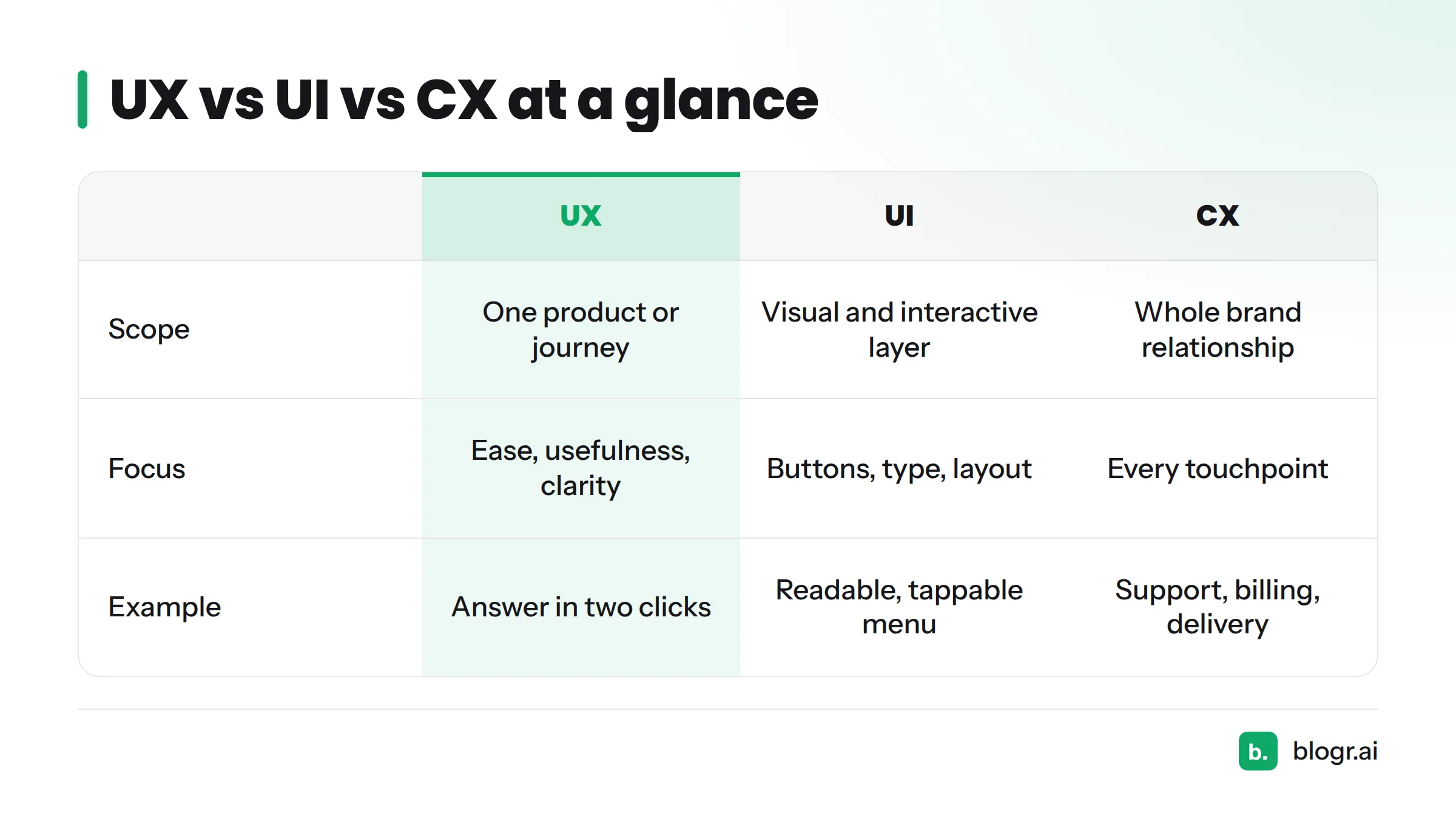
| Term | Scope | Focus | Example |
|---|---|---|---|
| UX | One product or journey | Ease, usefulness, clarity | Finding an answer in two clicks |
| UI | Visual and interactive layer | Buttons, type, layout | A readable, tappable menu |
| CX | Whole relationship with a brand | Every touchpoint | Support, billing, delivery |
UX covers the whole journey. UI is the visual layer inside it, and CX stretches beyond your site into support, billing, and delivery.
UX and SEO: Which Elements Actually Matter
Not every design idea matters for search. These seven do, and the table shows where you can see each one.
| Element | What it means | Where it shows up |
|---|---|---|
| Page speed | How fast content appears | Core Web Vitals report (LCP) |
| Mobile usability | Readable, tappable on phones | Search Console mobile data |
| Core Web Vitals | LCP, INP, CLS measures | Core Web Vitals report |
| Navigation and site structure | Findable pages, clear paths | Crawl and page-level patterns |
| Content readability | Scannable, plain text | On-page behavior |
| Search intent match | Page type fits the query | CTR and position in Search Console |
| Engagement signals | Time on page, return visits | Analytics, as indirect clues |
Website usability sits underneath all of them. A fast page with a buried answer still fails the visitor.
What Google says about page experience
Google's page experience documentation says its systems favor content with a good page experience, but helpful content still matters most. Core Web Vitals are one slice of UX, not the whole of it. So a perfect score won't rescue a page that doesn't answer the question.
Callout: Bounce rate and engagement signals are diagnostics, not confirmed ranking factors. Use them as clues, never as proof.
How UX Shows Up in Search Console Data
Search Console reports impressions, clicks, CTR, and average position by page and query. That makes it a UX tool, not just a rankings tool.
I see one pattern often: a page with strong impressions but a low CTR for its position. The page itself may be fine. The snippet promises something the page does not deliver, or the title speaks to a different intent than the query. That is a snippet and intent mismatch, and it is an experience problem that starts before the click.
The Core Web Vitals and mobile reports cover the other side: what happens after the click. For the step-by-step repair, see our guide to fixing CTR gaps.
Spotting UX Problems Before the Click
Let's break it down. Before anyone reaches your page, these signs point to a mismatch:
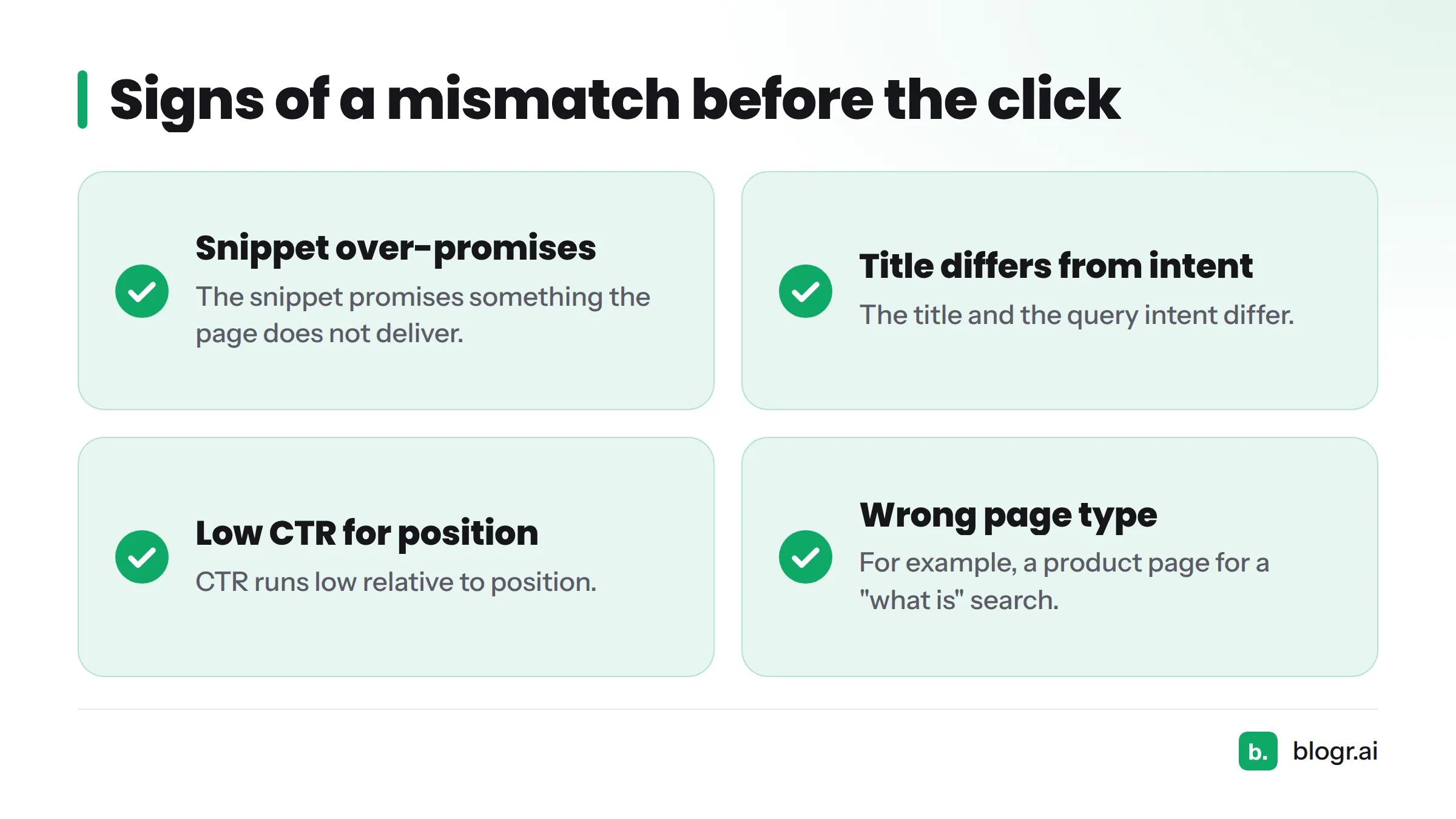
- The snippet promises something the page does not deliver.
- The title and the query intent differ.
- CTR runs low relative to position.
- The page type is wrong for the query, such as a product page for a "what is" search.
If that list sounds familiar, read about ranking but getting no clicks.
Spotting UX Problems After the Click
Once the visitor lands, watch for these:
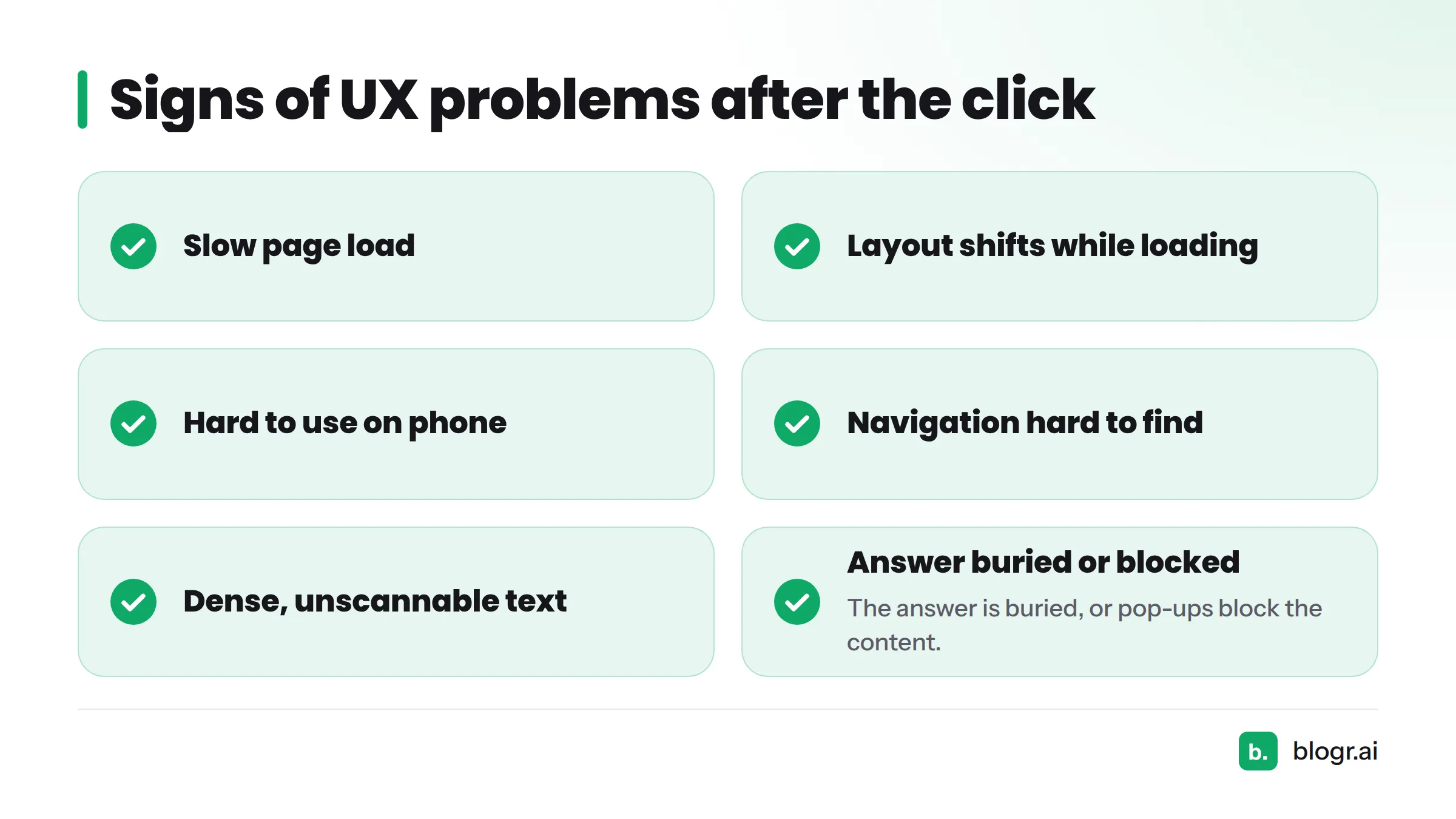
- The page loads slowly.
- The layout shifts while loading.
- The page is hard to use on a phone.
- Navigation is hard to find.
- Text is dense and unscannable.
- The answer is buried.
- Pop-ups block the content.
Next steps: check Search Console's experience reports, then run a page speed test on your top landing pages first.
Related Terms and Where to Go Next
Browse the SEO glossary for neighboring terms, and keep organic search in mind as the channel these ideas serve. Visit blogr.ai to see how we turn search data into action.
Find your CTR gaps free. Run the Search Console SEO tool to surface pages with high impressions and low clicks.