


SEO Glossary: Plain-English SEO Terms Defined
This SEO glossary defines the terms you will meet in search engine optimization, from crawling and indexing to keywords, links and redirects. Each entry gets a one-line definition, then a note on where the term shows up in Google Search Console or the blogr.ai publishing loop. Think of it as an SEO dictionary you can scan in a minute or read start to finish, and a good set of SEO terms for beginners.
SEO operators who grew organic traffic for their own products wrote and reviewed it. We check entries against Google Search Central documentation on a fixed schedule. Last reviewed: October 2026.
What This SEO Terminology Covers
The SEO terms below fall into four groups: crawling and indexing, keywords and content, links and authority, and technical and URL terms. Every entry has a one-line definition and an "In practice" line, so you know where the term appears in real data.
How to Use This SEO Glossary of Terms
Need one word fast? Scan the A-Z table. Want to learn the vocabulary in order? Read the theme sections, starting with crawl, then index, keyword, link and technical.
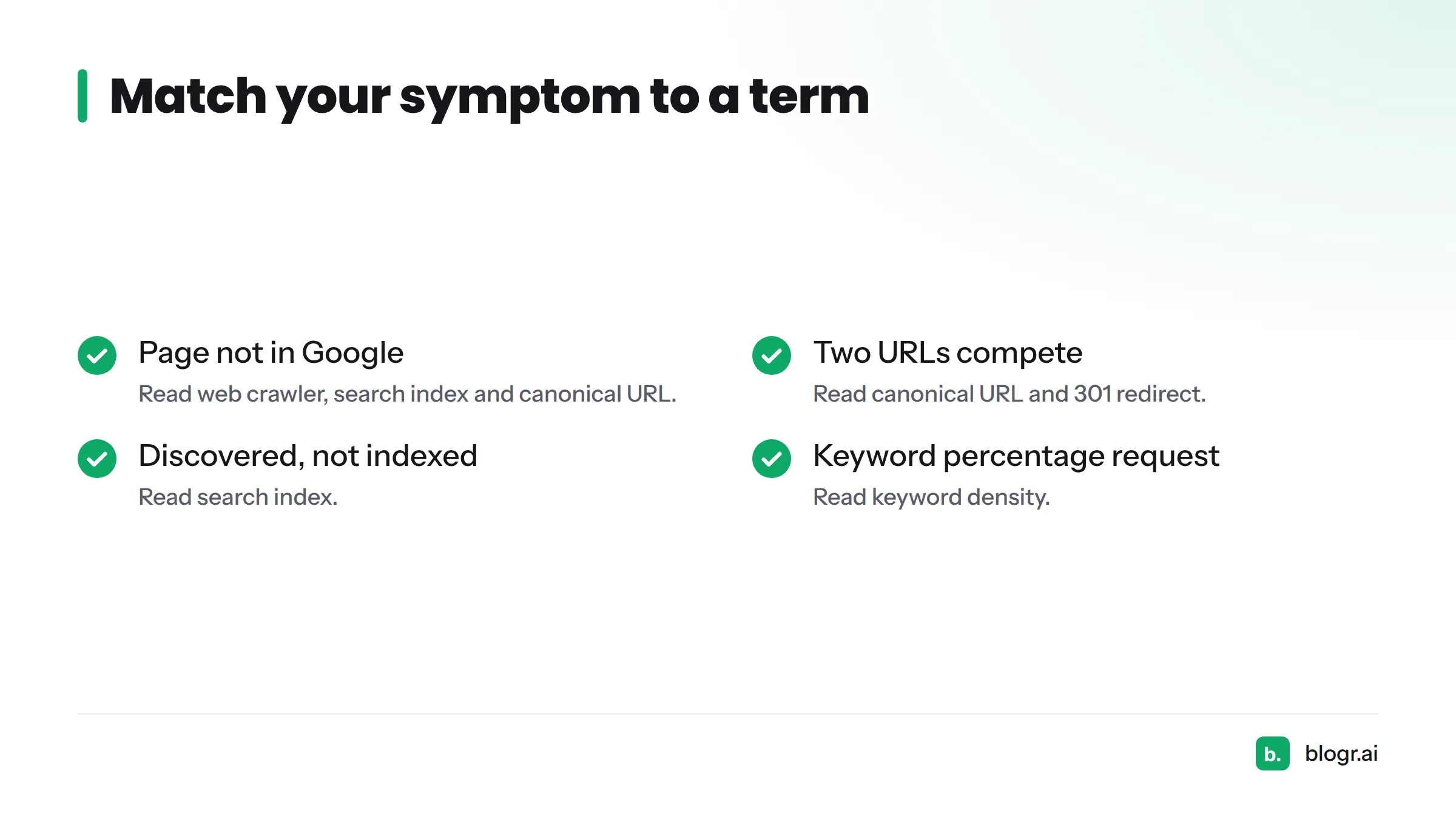
Stuck on a symptom? Match it to a term:
- My page isn't showing up in Google: read web crawler, search index and canonical URL.
- Two URLs compete for the same query: read canonical URL and 301 redirect.
- A report says "Discovered" or "Crawled" but not indexed: read search index.
- A writer keeps asking for a keyword percentage: read keyword density.
SEO Definitions A-Z: One-Line Meanings
| Term | One-line definition | Where you'll see it |
|---|---|---|
| 301 redirect | A permanent server redirect that sends visitors and crawlers from an old URL to a new one. | Old URLs in Search Console reports after a site move. |
| blogr.ai publishing loop | The research, plan, write, publish, measure and improve cycle that blogr.ai runs for a site. | The measure step reads your Search Console data. |
| Canonical URL | The version of a page you want search engines to treat as the main one. | Pages flagged as duplicates with a different canonical. |
| Google Search Console | Google's free tool for seeing how your site performs in Google Search. | Performance and page indexing reports. |
| Keyword | A word or phrase a person types into a search engine. | The Queries view in Search Console. |
| Keyword density | The share of a page's words taken up by one phrase. | Nowhere in Search Console. Only in on-page tools. |
| Off-page SEO | Signals that happen away from your own pages, mainly links from other sites. | Links report in Search Console. |
| Organic search | Unpaid results a search engine shows for a query. | Search results performance, with no ad data. |
| PageRank | An early Google method for scoring pages using the links that point to them. | Mostly a historical term today. |
| Search engine | A system that finds, stores and ranks web pages to answer queries. | Google, Bing and others. |
| Search index | The stored database of pages a search engine can show in results. | Page indexing status in Search Console. |
| SEO glossary | A reference list that defines search engine optimization terms. | This page. |
| User experience | How easy and pleasant a page is to use. | Page experience signals and engagement patterns. |
| Web crawler | A program that follows links to discover and fetch pages. | Crawl stats and Googlebot hits. |
Crawling, Indexing and Search Engine Terms
Web crawler
A web crawler is a program that follows links across the web to find and fetch pages. Google's crawler is called Googlebot.
In practice: if a new post never gets crawled, check that something links to it and that robots.txt doesn't block it.
Search engine
A search engine discovers pages, stores them, and ranks them to answer a typed query. Google and Bing are the two most used in the West.
In practice: each engine has its own webmaster tools, so a page can look healthy in one and missing in another.
Search index
A search index is the stored collection of pages a search engine can return in results. Crawling finds a page. Indexing decides whether it gets stored.
In practice: the page indexing report in Google Search Console groups URLs into indexed and not indexed, with a reason for each. Our guide on reading Google Search Console data walks through it.
Organic search
Organic search means the unpaid listings a search engine shows for a query. You earn them with useful pages, not with an ad budget.
In practice: the Performance report in Search Console covers search results data, so you can see clicks and impressions for your pages and queries.
Keyword and Content Terms
Keyword
A keyword is the word or phrase someone types into a search box, and the topic your page aims to answer.
In practice: the Queries tab shows what people searched before they saw your page. That is often a surprise. See how to find keywords in Search Console.
Keyword density
Keyword density is how often a phrase appears compared with the total words on a page. It is a descriptive ratio, not a target.
Operator note: the common misreading is chasing a "right" percentage. Google's Search Essentials spam policies name keyword stuffing as a violation, so write for the reader and let the phrase appear naturally.
User experience
User experience is how quickly and comfortably a person can get what they came for on your page. In content terms, that means clear headings, readable paragraphs and an answer near the top.
In practice: if a page ranks but few people click or stay, test the title and the opening. This breakdown of why you rank but get no clicks shows how.
Links, Authority and Off-Page Terms
PageRank
PageRank is the link-based scoring method Google's founders described in their early research at Stanford, and the name is a pun on co-founder Larry Page. The original idea: a page matters more when important pages link to it. You can read the original paper, The Anatomy of a Large-Scale Hypertextual Web Search Engine, for the history.
Operator note: treat it as a history term. Nobody outside Google can say how links are weighted today, so don't promise a result from any link tactic.
Off-page SEO
Off-page SEO covers everything that influences search visibility but happens away from your own pages, most often links from other websites.
In practice: the Links report in Search Console lists the sites linking to you, which gives you a quick sanity check on what outsiders see.
Technical and URL Terms
Canonical URL
A canonical URL is the address you tell search engines is the main version of a page when several URLs show similar content. Google explains how it picks one in its canonical URL documentation.
In practice: Search Console may report "Duplicate, Google chose different canonical than user." That means your preferred URL and Google's choice disagree.
301 redirect
A 301 redirect is a permanent redirect that moves people and crawlers from one URL to another. Google covers the details in its redirects guidance.
In practice: after you change a slug, a 301 from the old address keeps visitors from landing on an error page. Definitions live here. Step-by-step setup belongs in our blog.
How These SEO Terms Connect to Search Console and the blogr.ai Publishing Loop
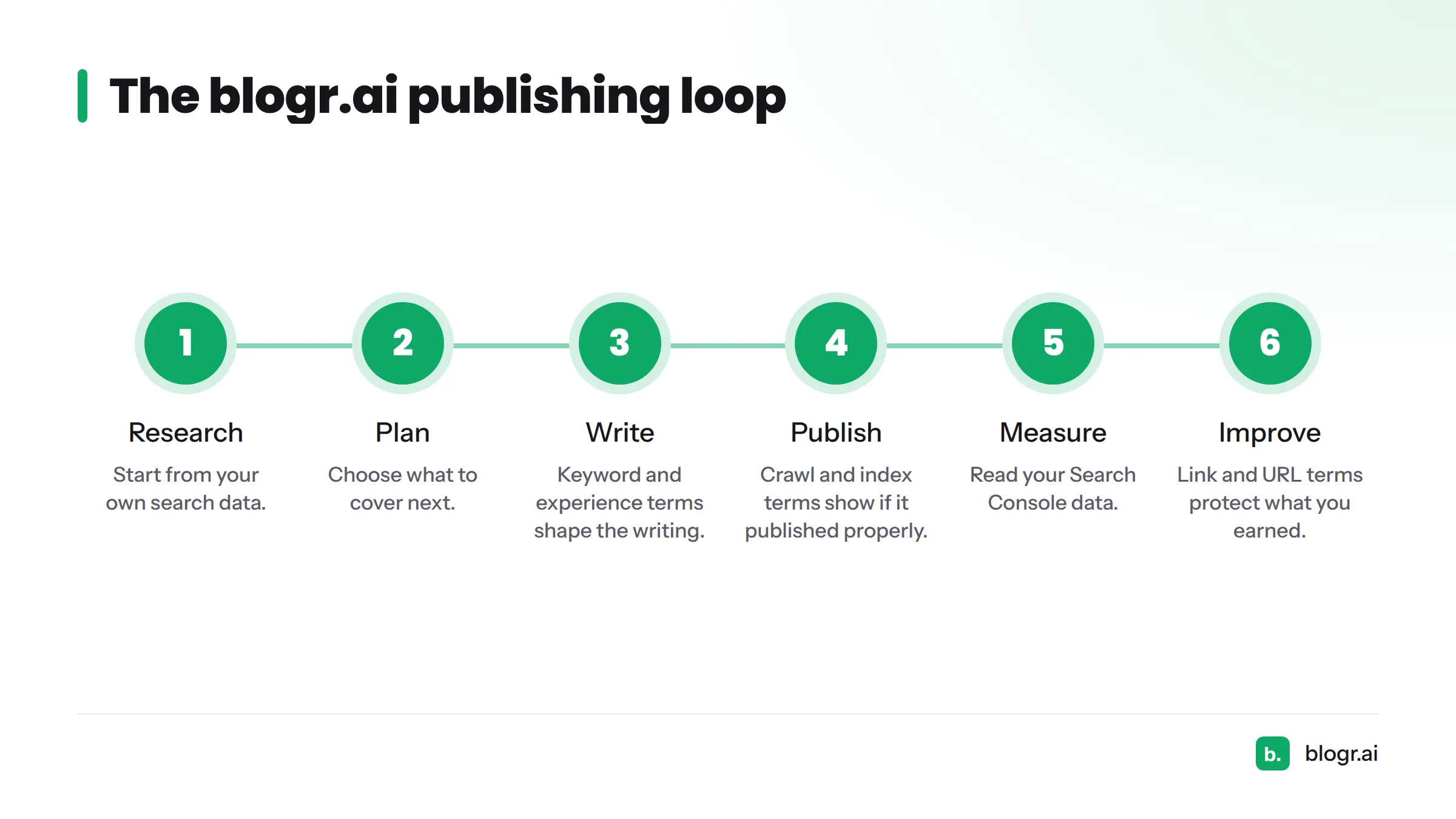
Every term above maps to a step in the publishing loop: research, plan, write, publish, measure, improve. Crawl and index terms tell you whether a page got published properly. Keyword and experience terms shape the writing. Link and URL terms protect what you already earned.
At blogr.ai, that loop runs on your own data through a Search Console SEO tool, and the wider workflow sits under SEO content automation. Prefer to see it in action first? Read how to turn GSC data into an SEO to-do list.
Next steps: run the free Search Console audit and watch crawl, index, query and URL terms turn into real rows from your site.
Sources
- Googlebot, Google Search Central
- Introduction to robots.txt, Google Search Central
- Spam policies for Google web search, Google Search Central
- What is a canonical URL? Consolidate duplicate URLs, Google Search Central
- Redirects and Google Search, Google Search Central
- Google Search Console, Google
- The Anatomy of a Large-Scale Hypertextual Web Search Engine, Sergey Brin and Lawrence Page, Stanford
Related: SEO content templates, what a web crawler is, what a keyword means in SEO