


Glossary Template: Free SEO Glossary Entry Format

A good glossary template has six fields: the term, a short definition, why it matters, an example, context, and related terms. Put the definition first so readers get the answer at once. Below you'll find a copyable block, a note on every field, one filled sample, and the next step. It's the same glossary entry format we use on blogr.ai for our own glossary.
The Glossary Entry Template (Copy and Fill In)
Select the block below, copy it, and paste it into your CMS, a doc, or a spreadsheet. Fill each line before you publish.
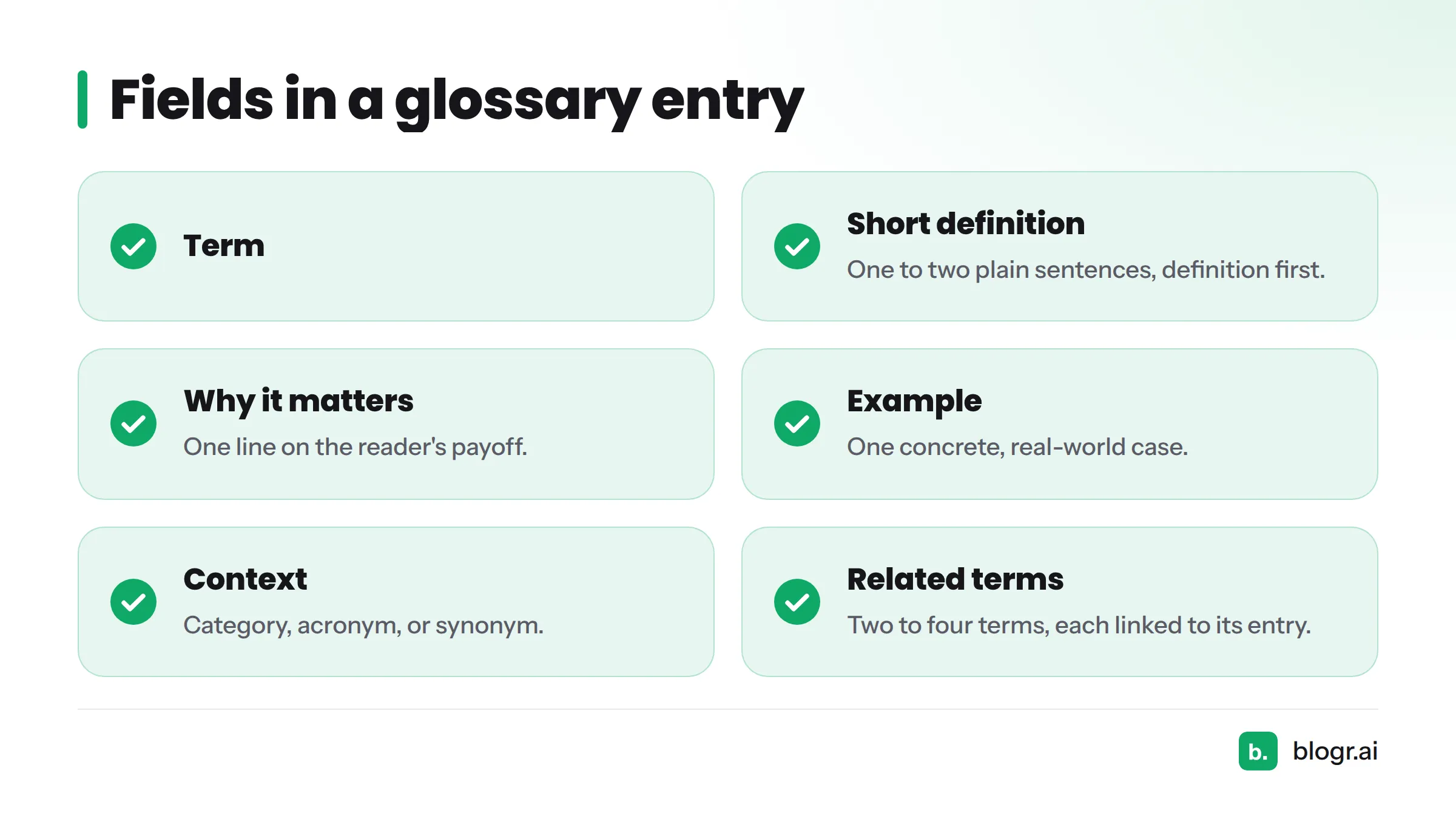
TERM:
SHORT DEFINITION: (one to two plain sentences, definition first)
WHY IT MATTERS: (one line on the reader's payoff)
EXAMPLE: (one concrete, real-world case)
CONTEXT: (category, acronym, or synonym)
RELATED TERMS: (two to four terms, each linked to its own entry)
A Word glossary template in table form
Prefer Word or Google Docs? The same fields work as table columns, so a word glossary template is just a table with one row per term:
| Term | Definition | Context | Example | Related terms |
|---|---|---|---|---|
| (term) | (short definition) | (category or acronym) | (concrete case) | (linked terms) |
If you build a glossary template for Word, paste this table into a blank document and add rows as you go. That covers the whole glossary page template at its simplest. Next, here is what each field does.
What Each Field Is For
Every field earns its place. If a field stays empty, the entry isn't ready.
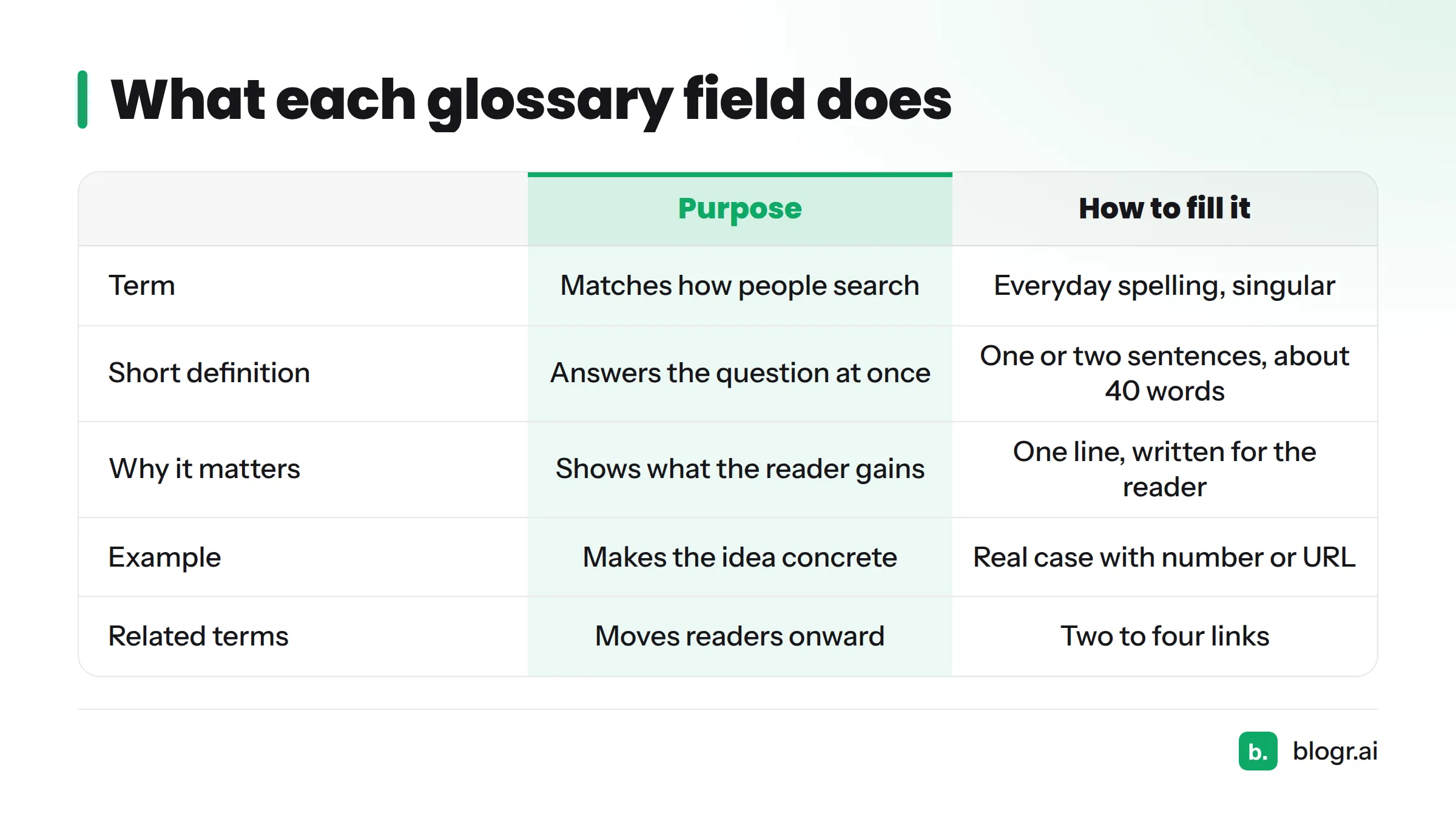
| Field | Purpose | How to fill it |
|---|---|---|
| Term | Names the page and matches how people search | Use the everyday spelling, singular form |
| Short definition | Answers the question at once | One or two sentences, no jargon. We aim for about 40 words, which is our own practice, not a standard |
| Why it matters | Tells the reader what changes if they know this | One line, written for the reader |
| Example | Makes the idea concrete | Real case, with a number or a URL where possible |
| Context | Separates look-alike terms | Category, acronym, synonym, or alias |
| Related terms | Moves readers onward | Two to four links to other entries |
Term and short definition
Write the definition as if you were explaining it to a smart friend outside your field. Don't use the term inside its own definition. Lead with the answer, then stop.
Why it matters, example and context
"Definition" says what a thing is. "Why it matters" says what the reader gains. Keep them separate.
A good example is specific: a real page, a real number, a real mistake. Use the context field for acronyms and synonyms, so one entry covers every way people phrase the term.
Related terms
List the terms a reader would want next. In our experience, two to four works well. Anything beyond that turns the entry into a link dump.
Filled-In Sample Entry
Here is the template filled in for one term, written in our house style:
TERM: Canonical URL
SHORT DEFINITION: The canonical URL is the version of a page you tell
search engines to treat as the main one when several URLs show the
same or very similar content.
WHY IT MATTERS: It stops duplicate pages from splitting your ranking
signals and keeps the right address in search results.
EXAMPLE: A shoe page reachable at /shoes/red and /shoes/red?ref=email
should point both addresses to /shoes/red with a canonical tag.
CONTEXT: Technical SEO. Also called the "preferred URL."
RELATED TERMS: Duplicate content, Redirect, Sitemap, Search engine
You can see the live version on our canonical URL entry. Notice how the related terms map to other entries, such as search engine. This is what an SEO glossary template looks like once it's in use: a short, repeatable definition page template that any writer on your team can fill without guessing.
How Related Terms Feed Product Pages
Related terms do two jobs. They connect your entries, so readers and crawlers move from term to term. They also give you natural spots to send readers to the product or feature page that solves the problem the term describes.
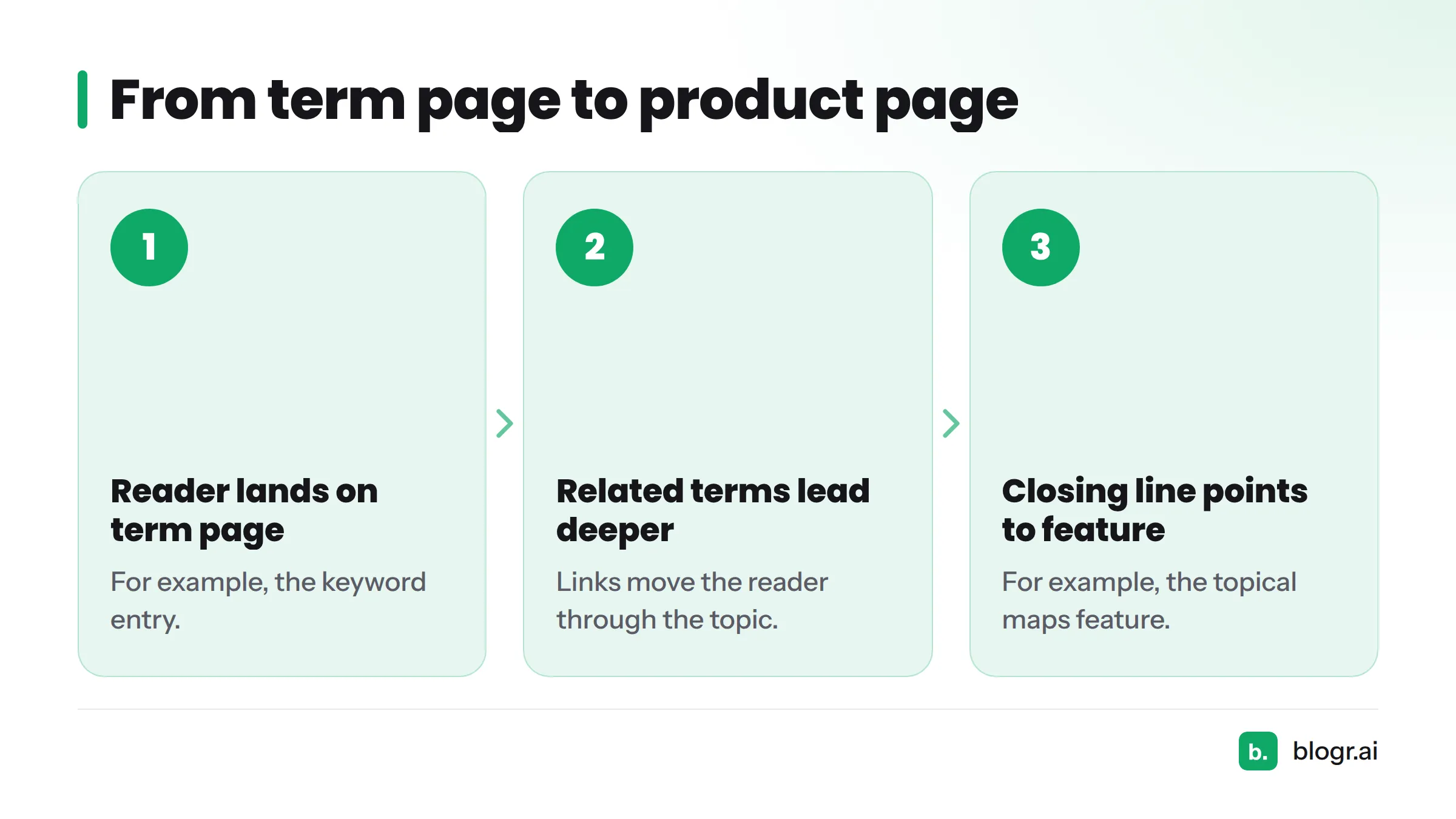
Here is the path in practice:
- A reader lands on a term page, such as keyword.
- The related terms lead them deeper into the topic.
- A closing line points to the matching feature, such as topical maps.
The definition-first glossary layout keeps the page useful even if the reader never clicks. The links just give them somewhere to go. Google's Search Central documentation on links explains how crawlable links help search engines discover pages.
Want to compare layouts before you build? Read how to choose a glossary format. Marking up definition pages with structured data is a separate step, and a dedicated guide on schema markup for definition pages is coming. For the starting point, see structured data for SEO.
Where to Go Next
Here are your next steps:
- Browse more SEO content templates for briefs, plans, and checklists.
- Study glossary examples worth copying to see how other formats compare.
- Open blogr.ai's SEO glossary and watch the template work on real entries.
Copy the template above, fill in your first term, then check the live glossary to see a working example.