


What Is a 301 Redirect? Definition and Use Cases

A 301 redirect is an HTTP response (status code 301, "Moved Permanently") that tells browsers and search engines a URL now lives at a new address for good. Use one when a page's address changes permanently: a slug change, a merged page, or a domain or protocol move.
What Is a 301 Redirect?
The short definition
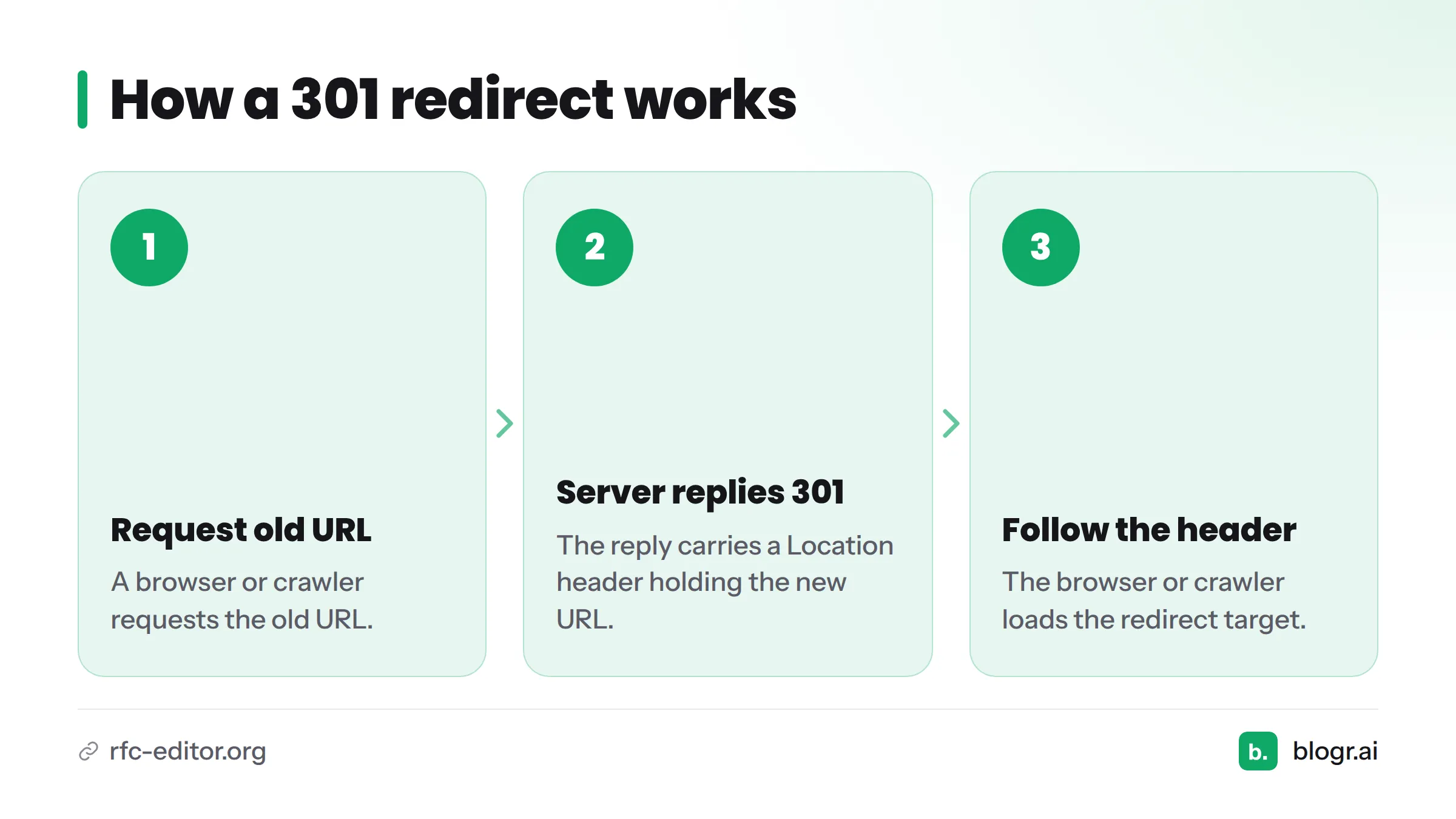
A 301 redirect is a permanent redirect. Someone asks for the old URL, and the server answers with the new destination instead of the page. The SEO glossary on blogr.ai lists it among the first terms any site owner should learn.
What happens behind the scenes
Here is the flow, step by step:
- A browser or crawler requests the old URL.
- The server replies with the http status code 301 and a Location header holding the new URL.
- The browser or crawler follows that header and loads the redirect target.
RFC 9110, the IETF's HTTP semantics standard, defines 301 as a permanent move to the target URL. That is the whole mechanism behind any url redirect of this type.
When to Use a 301 Redirect
Use a 301 when the move is permanent and a close replacement exists. Typical cases:
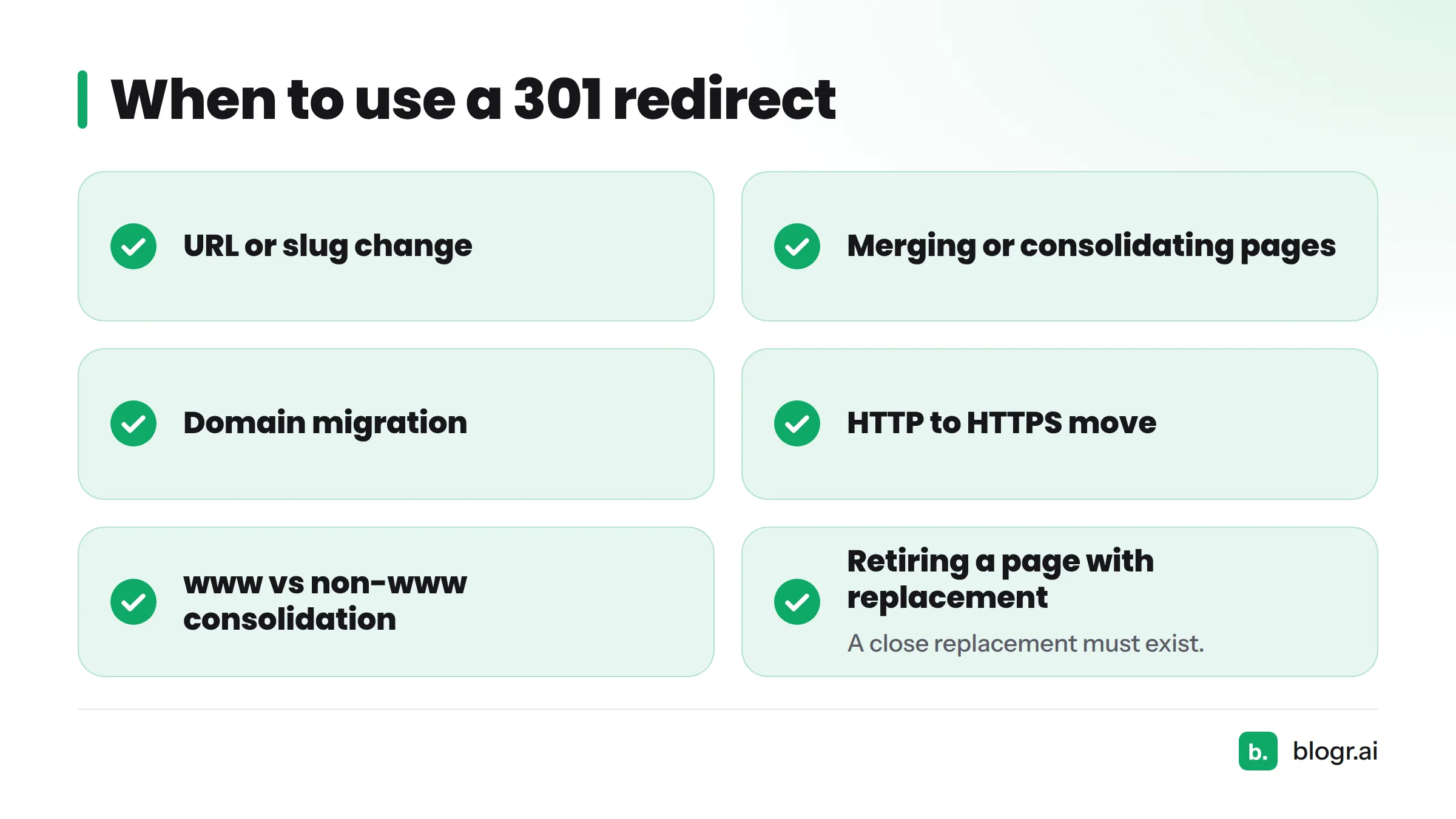
- A URL or slug change
- Merging or consolidating pages
- A domain migration
- An HTTP to HTTPS move
- A www vs non-www consolidation
- Retiring a page that has a close replacement
Google says it treats a permanent redirect as a strong signal that the target should be the canonical version, according to Google Search Central's redirect documentation. Redirects also help visitors and crawlers find the new page, which supports link equity (the value links pass, a close cousin of PageRank). That is the honest extent of redirect seo: nobody can promise a specific ranking result.
When not to use a 301: skip it when the move is temporary, or when no relevant replacement exists. Sending visitors to an unrelated page confuses them and gives search engines nothing useful.
301 vs 302 Redirect: What's the Difference?
Let's break it down. A 301 says "moved for good." A 302 says "moved for now." If you are weighing 301 vs 302, this table covers the gap.
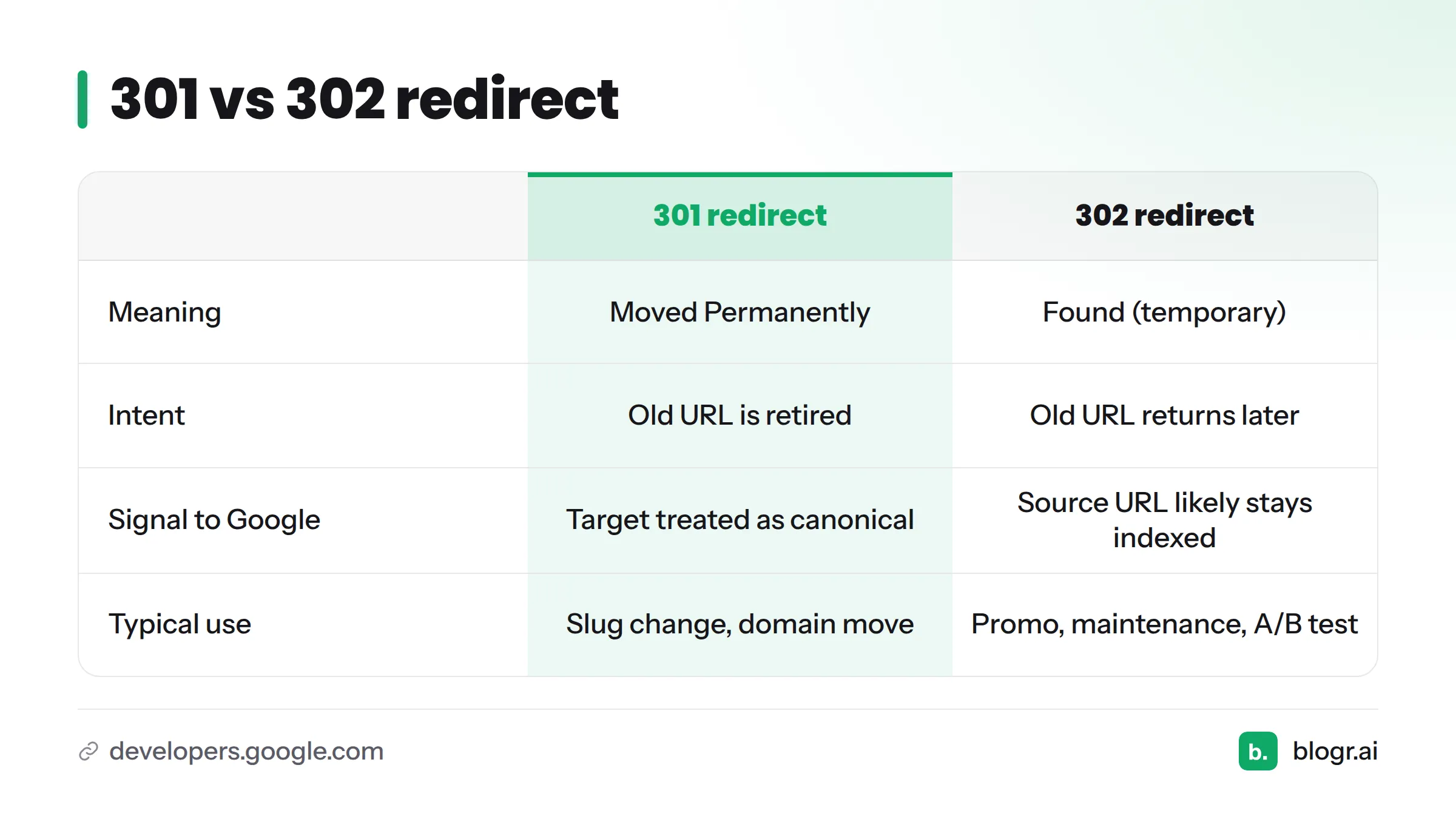
| 301 redirect | 302 redirect | |
|---|---|---|
| Meaning | Moved Permanently | Found (temporary) |
| Intent | The old URL is retired | The old URL returns later |
| Signal to Google | Target should be treated as canonical (Google) | Source URL likely stays in the search index |
| Typical use | Slug change, domain move, HTTPS move | Short-term promo, maintenance, A/B test |
In short, a 302 redirect works as a temporary redirect, while a 301 moved permanently response retires the old address.
Quick decision checklist
- Will the old URL ever come back? If yes, use a 302.
- Is the new page a close match for the old one? If no, reconsider the redirect.
- Is the change permanent? Use a 301.
A redirect is not the same thing as a canonical URL. A redirect moves the visitor. A canonical tag only suggests a preferred version while both pages stay reachable.
Example: A Changed Slug on a Published Article
This scenario is hypothetical. Say you publish /blog/seo-tips and later retitle it, so the slug becomes /blog/seo-checklist.
- Visitor: clicks an old link to
/blog/seo-tipsand lands on/blog/seo-checklistwithout noticing. - Crawler: gets the 301, follows the Location header, and learns the new address is the permanent one.
Without the redirect, both would hit a dead page.
One more rule: point the old URL straight to the final destination. Google warns that a long redirect chain can cause problems for crawling, so avoid hops like A to B to C. If you later move /blog/seo-checklist again, update the first redirect too, so the old URL still takes one hop.
Why Refreshing and Consolidating Old Posts Creates Redirect Needs
In my experience running content operations, most redirects are not big migrations. They come from routine work: a slug change on a CMS-published article, or consolidating old posts that cover the same topic. Each retired URL needs a home.
Next steps: read our guide to updating old blog posts for SEO for the process. If you are consolidating or updating old pages now, grab the refresh checklist from our SEO content templates, then let the content refresh tool show you which posts to update first. You can also see the full platform at blogr.ai.
Related Terms
- 302 redirect (temporary redirect)
- Redirect chain
- Link equity
- Canonical URL
- Search index
- SEO glossary
FAQ
Should I use a 301 or 302 redirect?
Use a 301 when the move is permanent and a 302 when it is temporary. If you are unsure, ask whether the old URL will ever return.
What are redirects in a website?
A redirect automatically sends visitors and crawlers from one URL to another. The server does this through an HTTP status code and a Location header.
Does a 301 redirect affect SEO?
Yes. Google uses it as a signal that the target is the preferred URL, as its redirect documentation explains. It carries no ranking guarantee.
How long should a 301 redirect stay in place?
Google suggests keeping redirects for at least a year, per the same documentation. Keep them longer if old links still send traffic.
Setting up HTTP to HTTPS redirects and WordPress redirects depends on your server or platform, so check your host's documentation.