


What Is a Search Index? Definition for SEO

A search index is the database where a search engine stores the pages it has crawled so it can return them for queries. A page gets in when the engine discovers it, crawls it, processes its content, and decides it is worth storing. Pages outside the index cannot appear in results.
What Is a Search Index?
So, what is a search index in plain terms? Picture the index at the back of a textbook. You don't read every page to find "canonicalization." You flip to the index, find the term, and jump to the right page. A search engine does the same thing at web scale. Google calls its version the Google index, and it holds information about the pages Google has processed.
One quick disambiguation: a database index is a different thing. It speeds up queries inside a database, such as a SQL table. When people ask what is index search in an SEO context, they mean the web search kind, and that is the one that matters here. If you searched "what is search index" hoping for the database meaning, this is the other one.
Under the hood, search engines typically use a structure called an inverted index. It maps each word to the documents that contain it, much like the book index maps terms to page numbers.
Here is the part most beginners miss: a search index is eligibility, not a ranking. Being indexed means a page can show up. It doesn't mean the page will show up near the top.
How a Page Gets Into the Google Index
Google's documentation on how Search works describes three stages: crawling, indexing, and serving results. Here is how a single page travels through them:
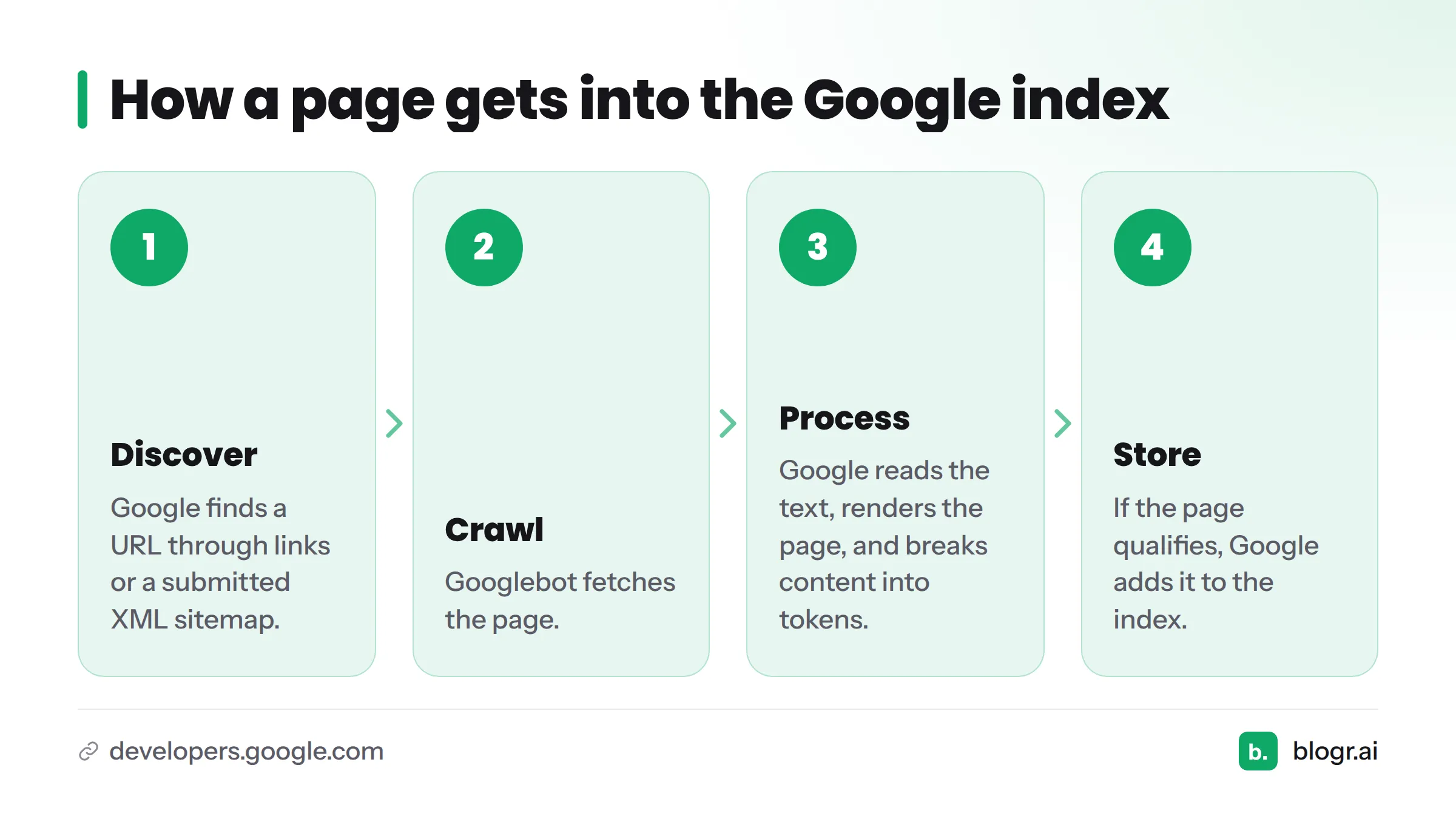
- Discover. Google finds a URL through links, or through an XML sitemap you submit.
- Crawl. Googlebot fetches the page. For the mechanics, see how a web crawler works.
- Process. Google reads the text, renders the page, and breaks the content into tokens.
- Store. If the page qualifies, Google adds it to the index. This step is indexing.
Ranking begins only after step 4. If you'd rather watch than read, Google's own explainer, How Google Search indexes pages, walks through this stage.
Which Pages Get Indexed
Google doesn't promise to index every page it finds. The indexed pages on a typical site share a few traits:
- They are crawlable and return a normal, working response.
- They carry unique, useful content.
- They have a self-consistent canonical URL.
- They appear in your sitemap. A sitemap helps discovery, but it never guarantees inclusion.
What Keeps a Page Out of the Index
Four things cause most of the trouble:
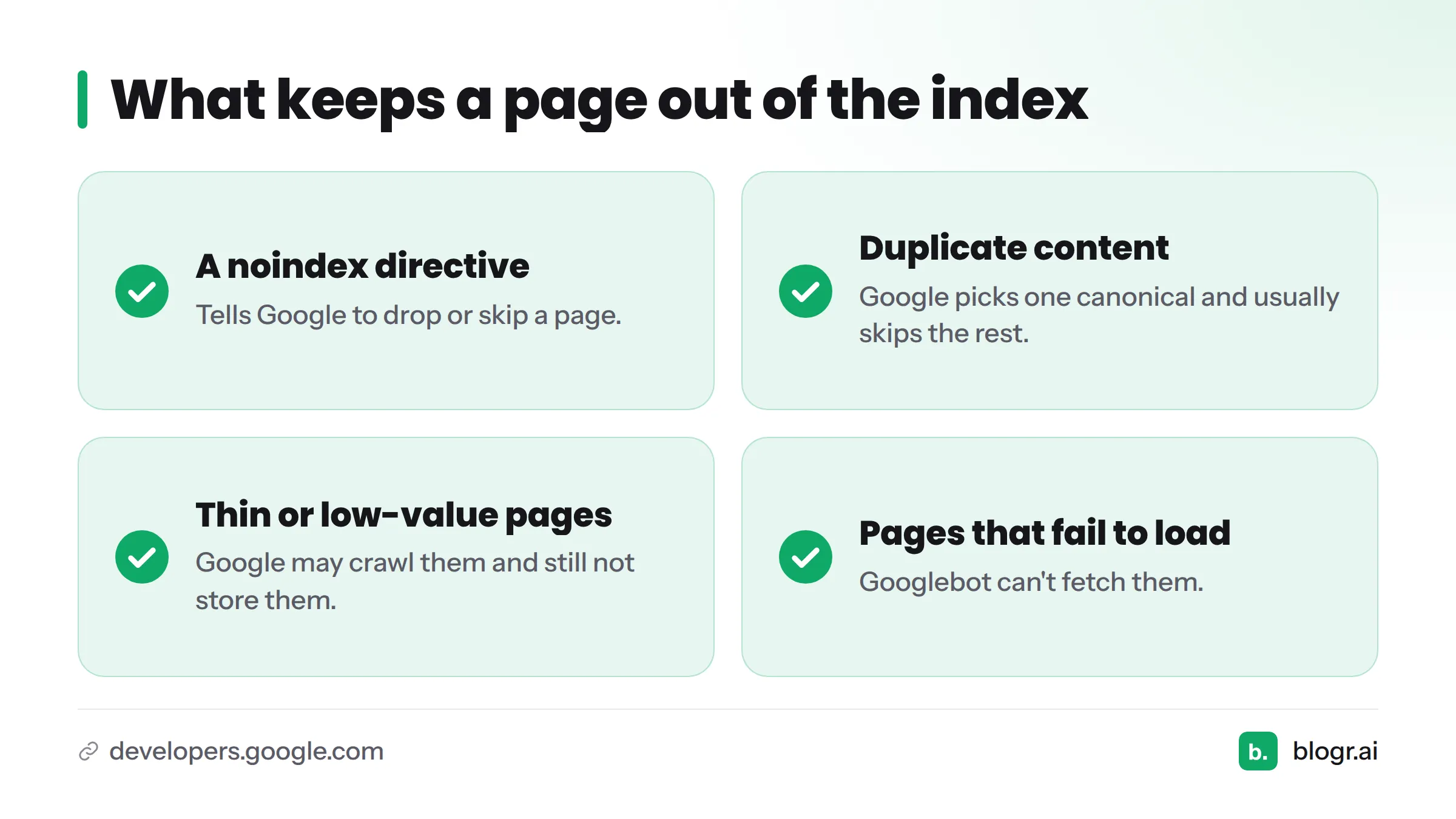
- A noindex directive. Google's robots meta tag documentation explains how noindex tells Google to drop or skip a page.
- Duplicate content. When several URLs show the same content, Google picks one canonical and usually skips the rest.
- Thin or low-value pages. Google may crawl them and still decide not to store them.
- Pages that fail to load, or that Googlebot can't fetch.
Callout: robots.txt blocks crawling. Noindex blocks indexing. They are not interchangeable. If robots.txt blocks a page, Google may never see the noindex tag on it.
Reading Index Coverage Statuses in Search Console
Search Console labels each stage of the journey. Google's Page indexing report help defines the statuses, and the report is the successor to what many people still call the index coverage report. Here is the plain-English version:
| Status | Meaning | Typical next step |
|---|---|---|
| Discovered - currently not indexed | Google knows the URL but has not crawled it yet. | Wait. Strengthen internal links to the page. |
| Crawled - currently not indexed | Google fetched the page but chose not to store it, for now. | Improve depth, uniqueness, and internal links. Then wait. |
| Indexed | The page is in the index and eligible to rank. | Track impressions and rankings. |
What we see at blogr.ai: new auto-published posts don't move through these statuses on one fixed schedule. Some jump from discovered to indexed quickly. Others sit at "Crawled - currently not indexed" for a while before flipping. We watch this in the page indexing report, and it is why we never promise a set timeline.
How to Check Whether a Page Is Indexed
Let's break it down with three methods, from quickest to most complete:
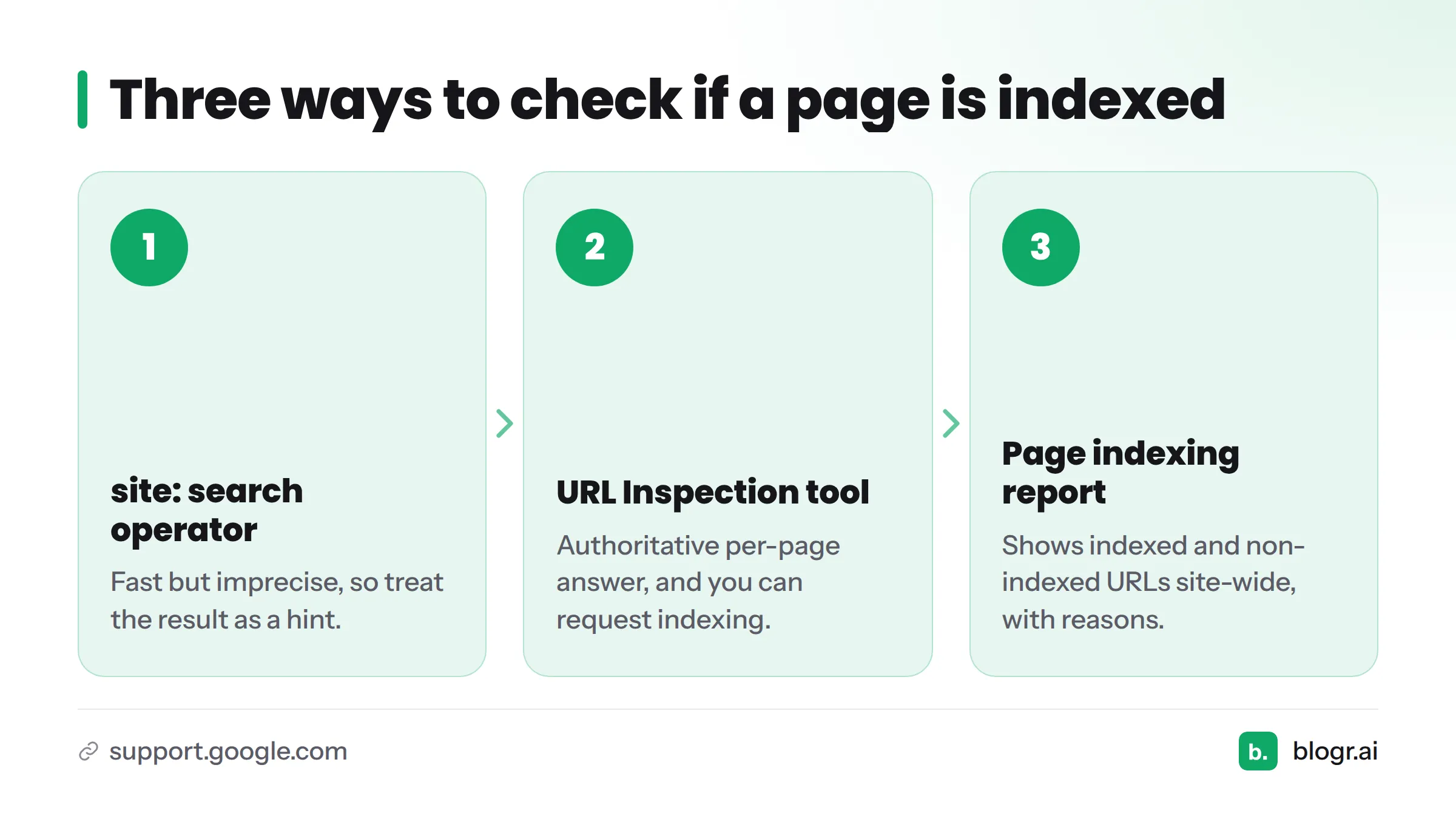
- The site: search operator. Search
site:yourdomain.com/page-urlin Google. It's fast but imprecise, so treat the result as a hint, not proof. - The URL Inspection tool. Google's URL Inspection tool help shows the indexing status of a single URL. It gives the authoritative per-page answer, and it lets you request indexing. A request is a nudge, not a guarantee.
- The page indexing report. This shows indexed and non-indexed URLs site-wide, with reasons. For a walkthrough, read our guide to reading Google Search Console data.
Want a faster read on your whole site? Next steps: run the free Google Search Console audit from blogr.ai.
Related Terms
- Crawling: fetching pages. It comes before indexing.
- Ranking: ordering indexed pages for a query. Indexed is not ranked.
- Crawl budget: how many URLs Googlebot will fetch on your site in a given period.
- Sitemap: a file that lists URLs to help discovery.
- Canonical URL: the preferred version among duplicates.
- PageRank: one of the signals used to order results.
Browse more definitions in the SEO glossary.
FAQ
What does it mean for a search engine to index a site? It means the engine has crawled the site's pages and stored them in its database, so they can appear in results.
How long can Google indexing take? It varies. Some pages get indexed quickly and others wait. Neither Google nor anyone else can promise a fixed timeline.
Is indexed the same as ranked? No. Indexed means eligible to appear. Ranking decides where, and whether, the page appears for a given query.
This glossary entry is reviewed on a fixed schedule to keep the definitions accurate.
Sources
- How Google Search Works, Google Search Central
- Page indexing report, Google Search Console Help
- URL Inspection tool, Google Search Console Help
- Robots meta tag, data-nosnippet, and X-Robots-Tag specifications, Google Search Central
- Sitemaps overview, Google Search Central
- Inverted index, Wikipedia
- How Google Search indexes pages, Google Search Central (YouTube)