


Sample Blog Post: A Full Annotated Example

A good sample blog post has five things: a title that matches search intent, an opening that answers the question at once, scannable H2 sections, evidence with internal links, and one clear call to action. Below is a full sample with a margin note on each part explaining why it exists. Read the post first, then the reasoning. Use both to model your own.
We wrote this page as SEO practitioners who read a lot of briefs and a lot of drafts. The same structural mistakes keep showing up. A title promises one thing while the H1 says another. The answer sits in paragraph six. The call to action reads "learn more." This page shows the fix on a working example. It makes no ranking promises. It illustrates structure, nothing more.
The Sample Blog Post at a Glance (and What Makes It Complete)
Most searches for a sample blog end the same way. You land on a roundup of 50 famous blogs, scroll for ten minutes, and still can't tell how a single post is built. Roundups are great for browsing. They are poor for modeling.
So here is the plan. The sample post below covers a plain topic: how to read a Google Search Console performance report. I picked it because it needs no special claims and no invented numbers. After each part of the sample, a "Why it's there" note explains the job that part does. Think of it as a blog post structure sample you can lift straight into your own drafts.
The seven parts every complete post has
- Title tag, H1 and meta description: the promise made in search results and on the page.
- Answer-first opening: the direct answer in the first 40 to 60 words.
- Introduction with intent match: confirms the reader is in the right place.
- Body sections under clear H2s: one reader question per section.
- Evidence and a concrete example: proof the advice works.
- Internal links: paths to related pages on the same site.
- Conclusion and one call to action: the recap and the next step.
Here is how those parts map to what the reader is thinking:
| Part | Job it does | Reader question it answers |
|---|---|---|
| Title tag, H1, meta description | Sets the promise | "Is this the page I want?" |
| Answer-first opening | Delivers the core answer fast | "Can I get the answer now?" |
| Introduction | Confirms scope and audience | "Is this for someone like me?" |
| Body H2 sections | Break the topic into steps or questions | "How does this work?" |
| Evidence and example | Makes the advice believable | "Why should I trust this?" |
| Internal links | Offers the next relevant read | "What else do I need?" |
| Conclusion and CTA | Closes the loop | "What do I do next?" |
What "complete" means here: it is an editorial standard I can defend, not a ranking guarantee. Google's own guidance on creating helpful, people-first content asks whether a page gives a satisfying, complete answer. The seven parts are our practical way to check that.
Title Tag, H1 and Opening Answer: Annotated
The sample's title tag, H1 and meta description
Here is how the sample would appear in a search result:
Title tag: How to Read a Search Console Report in 10 Minutes URL: example.com/read-search-console-report Meta description: Learn which four numbers in a Search Console performance report matter, where to find them, and what to do when one looks wrong.
And on the page itself:
H1: How to Read a Search Console Report in 10 Minutes
Why it's there: The title tag and meta description are written for the search result. The H1 is written for someone who has already clicked. They can match, as they do here, or differ slightly. They should never promise different things.
Three short definitions keep the terms straight:
| Element | Definition | Who sees it |
|---|---|---|
| Title tag | The HTML title that search engines may show as the blue link | Searchers, before the click |
| H1 | The main visible headline on the page | Readers, after the click |
| Meta description | A one or two sentence summary that may appear under the link | Searchers, before the click |
Google's documentation on title links and snippets says it may rewrite either one when another version describes the page better. Write them well, but don't count on seeing them verbatim.
The answer-first opening
A Search Console performance report shows four numbers that matter most: clicks, impressions, click-through rate and average position. Open the Performance report, set the date range to the last three months, and sort queries by impressions. Pages with high impressions and low clicks are your fastest wins.
Why it's there: That runs about 50 words, and it answers the headline question before the reader scrolls. An answer-first opening also hands search features and AI summaries a clean passage to lift. If you want the bigger picture, our guide to how Google AI Overviews work covers it.
Introduction and Search Intent Match: Annotated
The sample introduction
If you have ever opened Search Console and closed it again in confusion, you are not alone. The report is packed with charts, filters and tabs, and most of them don't matter on day one. This guide is for site owners and founders who want a repeatable ten-minute routine, not a data science course.
Why it's there: The first sentence names a feeling the reader already has. The second narrows the scope. The third states who the post is for and who it isn't.
How the intro confirms the reader is in the right place
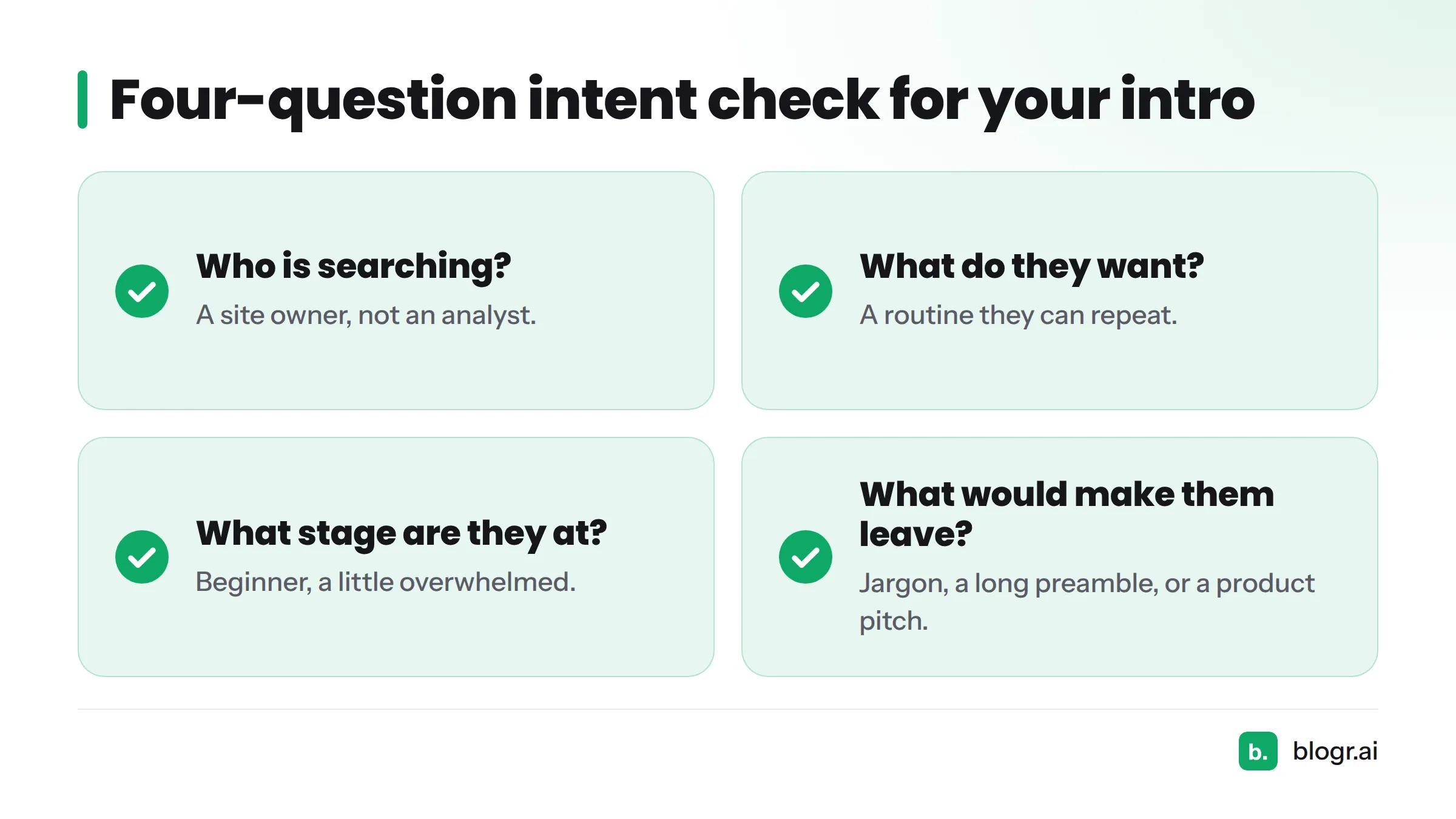
Run a quick intent check on your own draft:
- Who is searching? A site owner, not an analyst.
- What do they want? A routine they can repeat.
- What stage are they at? Beginner, a little overwhelmed.
- What would make them leave? Jargon, a long preamble, or a post that is really a product pitch.
If your introduction can't answer those four questions, the reader will bounce to a page that can.
Body Sections Built From Heading and Question Patterns: Annotated
A body section is where most drafts drift. Here are two patterns that keep it tight.
A question-style H2 with its answer paragraph
Which Search Console numbers should I check first?
Start with clicks and impressions, because they show whether people see and choose your pages. Then check click-through rate to spot titles that underperform, and average position to see how close a page is to page one.
Why it's there: A question heading mirrors the way people phrase searches and "People Also Ask" boxes. The answer sits directly beneath it in plain language. Each heading stands alone as a question a real reader asked.
A how-it-works H2 with a short list
How do I find pages that deserve a quick fix?
- Open the Performance report and switch on all four metrics.
- Filter to the last three months.
- Sort by impressions, then scan for low click-through rate.
- Note the top five pages and rewrite their titles first.
Why it's there: Steps belong in a numbered list because order matters. A skimming reader still gets the point.
Why each heading stands alone
Hide the body and read your H2s in sequence. If they read like a sensible outline, the structure works. If two headings could swap places without anyone noticing, one of them is vague. Question patterns come from real search behavior, and a brief built from the live SERP surfaces them so you aren't guessing which questions to answer.
How many H2s do you need? There is no magic number. Use one per distinct reader question. The sample above would run four to six. For how headings carry meaning in HTML itself, the MDN documentation on heading elements is the clearest reference.
Evidence, Examples and Internal Links: Annotated
Where evidence and a concrete example go
Say a page for "pricing comparison" shows 8,000 impressions and 40 clicks over three months. That gap suggests the title isn't earning the click. Rewrite it to state the benefit, then recheck in four weeks.
Why it's there: The example is labeled as hypothetical ("say a page..."). That is deliberate. I would rather show an honest illustration than fake a case study. Put the example right after the claim it supports.
Internal links: where, how many, what anchor text
Once you can read the report, the next step is turning that data into an SEO to-do list.
Why it's there: The link sits in the sentence where the reader naturally asks "what next?" The anchor text describes the destination instead of saying "click here."
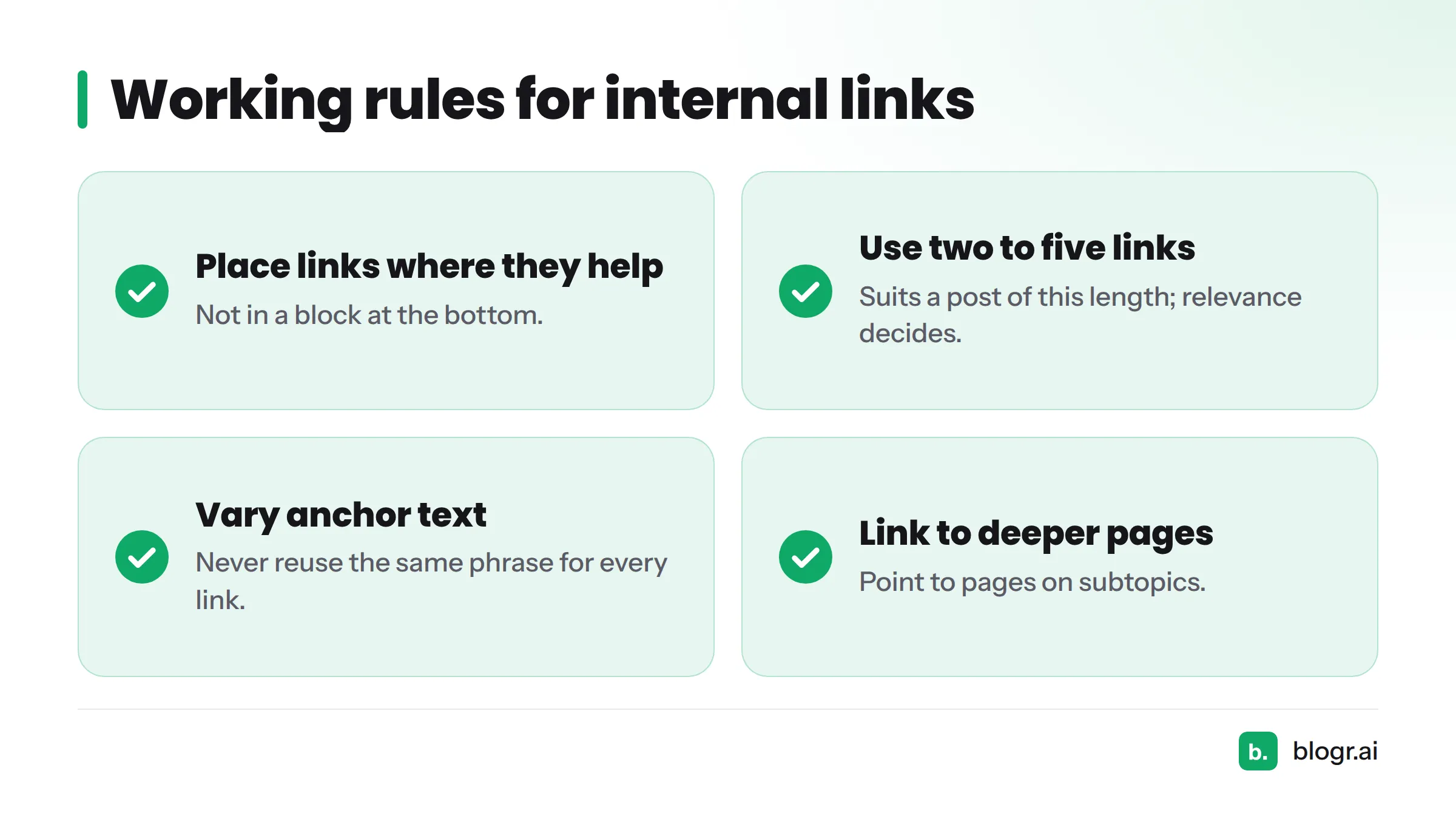
A few working rules:
- Place links where they help, not in a block at the bottom.
- Two to five contextual links suit a post of this length. There is no official quota, so let relevance decide.
- Vary your anchor text. Never reuse the same phrase for every link.
- Link to deeper pages on subtopics. To see this structure across different post types, browse more blog post examples by format. Founders short on time can also start with on-page SEO basics.
Citation callout: Cite any statistic you use, with a named source and a working link. The sample uses none it can't source, so it uses none.
Conclusion and Call to Action: Annotated
The conclusion
Reading Search Console comes down to four numbers and one routine. Check clicks and impressions, spot weak click-through rates, and fix titles first. Do it weekly and the report stops being intimidating.
Why it's there: A conclusion recaps in two or three sentences and points forward. It adds no new claims. If you catch yourself introducing a new idea here, move it up into the body.
The call to action
Want a ready-made routine? Copy our blog template and run your next post through the same seven parts.
Why it's there: One post, one primary action. It is specific ("copy our blog template"), and it fits a reader who has just learned a structure. Compare that with "Learn more," which tells the reader nothing.
Your next step: grab the blog template to copy and apply this structure to your own draft.
Does This Structure Guarantee Rankings? No, and Here Is What It Does Instead
Nobody can promise rankings, and Google says no single formula ensures them. What this structure does is remove the avoidable mistakes. It works as a blog writing sample for students learning the craft, for solo founders without an editor, and for agencies who need every writer to hit the same standard.
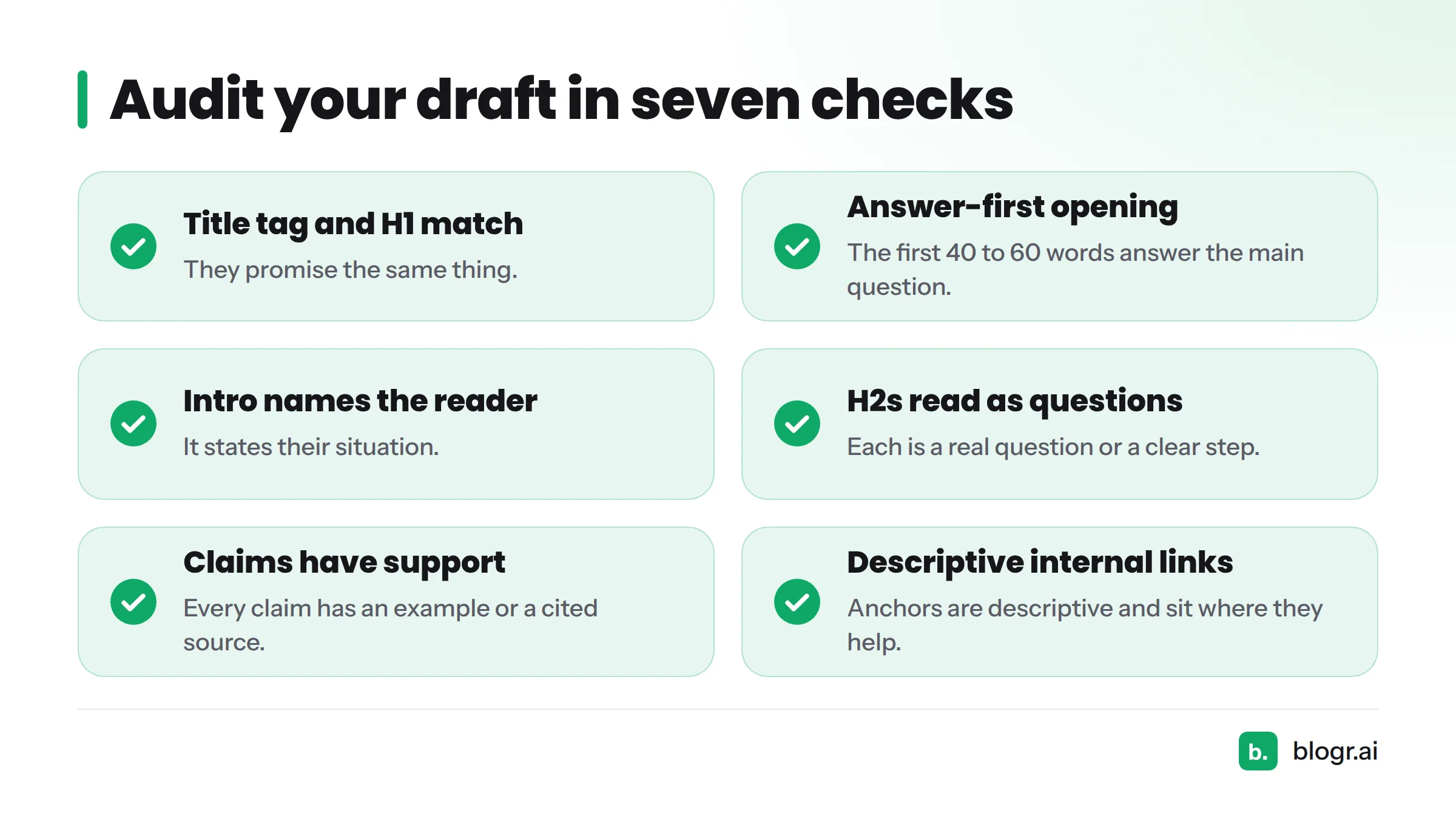
Audit your own draft with this checklist:
- The title tag and H1 promise the same thing.
- The first 40 to 60 words answer the main question.
- The introduction names the reader and their situation.
- Each H2 reads like a real question or a clear step.
- Every claim has an example or a cited source.
- Internal links use descriptive anchors and sit where they help.
- The conclusion recaps and the CTA is single and specific.
Use this diagnostic table when something feels off:
| Symptom | Likely missing part | Quick fix |
|---|---|---|
| Readers leave in seconds | Answer-first opening | Move the answer to the top |
| Page ranks but gets few clicks | Title tag or meta description | Rewrite for the benefit, see our guide to fixing CTR gaps |
| Readers finish but don't act | Specific CTA | Replace "learn more" with one concrete action |
| Post feels like a wall of text | Question-style H2s | Split by reader question |
Next steps, depending on what you need. For more formats, see our blog post examples with annotations. For the full process, look for our steps to write an SEO blog post. For a reusable layout, use the blog template to copy. And if you want a tool that builds this structure from a live SERP brief, take a look at blogr.ai, an AI SEO writer built around exactly that workflow.
FAQ
What does a good sample blog post include?
Seven parts: an intent-matched title, an answer-first opening, an introduction, question-style H2 sections, evidence with an example, internal links, and a conclusion with one call to action.
How long should a sample blog post be?
Match the length to the question. A focused topic often needs 1,200 to 1,800 words. Longer roundups grow with the number of examples, but a single worked sample doesn't need that room.
What is the difference between a title tag and an H1?
A title tag is the HTML title shown in search results. An H1 is the main headline visible on the page. They should promise the same thing, though the wording can differ slightly.
Why should the answer come first?
Readers arrive with a question. Giving the answer in the first 40 to 60 words earns trust, serves skimmers, and gives search features a clean passage to quote.
How many internal links should a post have?
There is no fixed number. For a 1,500-word post, two to five relevant links with descriptive anchor text is a sensible range. Add one only when it helps the reader.
Can I copy this sample's structure?
Yes. The seven parts work for almost any informational topic. Change the content, keep the structure, and cite your own sources.