


Glossary Examples: 8 Good Formats to Copy in 2026

Good glossary examples share three traits: a short, plain-language definition, a line of context, and a few related terms. They are also easy to scan. This guide walks through 8 formats, what each does well, and what to copy. Reviewed October 2026, with live links checked October 29, 2026.
I'll be honest: when our team built the blogr.ai homepage glossary, we assumed the hard part was writing definitions. It wasn't. The hard part was deciding what a good entry looks like and where the page should send the reader next. Here is what we learned, along with real glossary pages you can open and study.
What Makes a Good Glossary Example (Quick Answer)
A good glossary example gives the reader a one-to-three sentence definition in plain language, adds a line of context, and points to related terms. It never repeats the term inside its own definition. A reader should understand the term in about ten seconds and know where to go next.
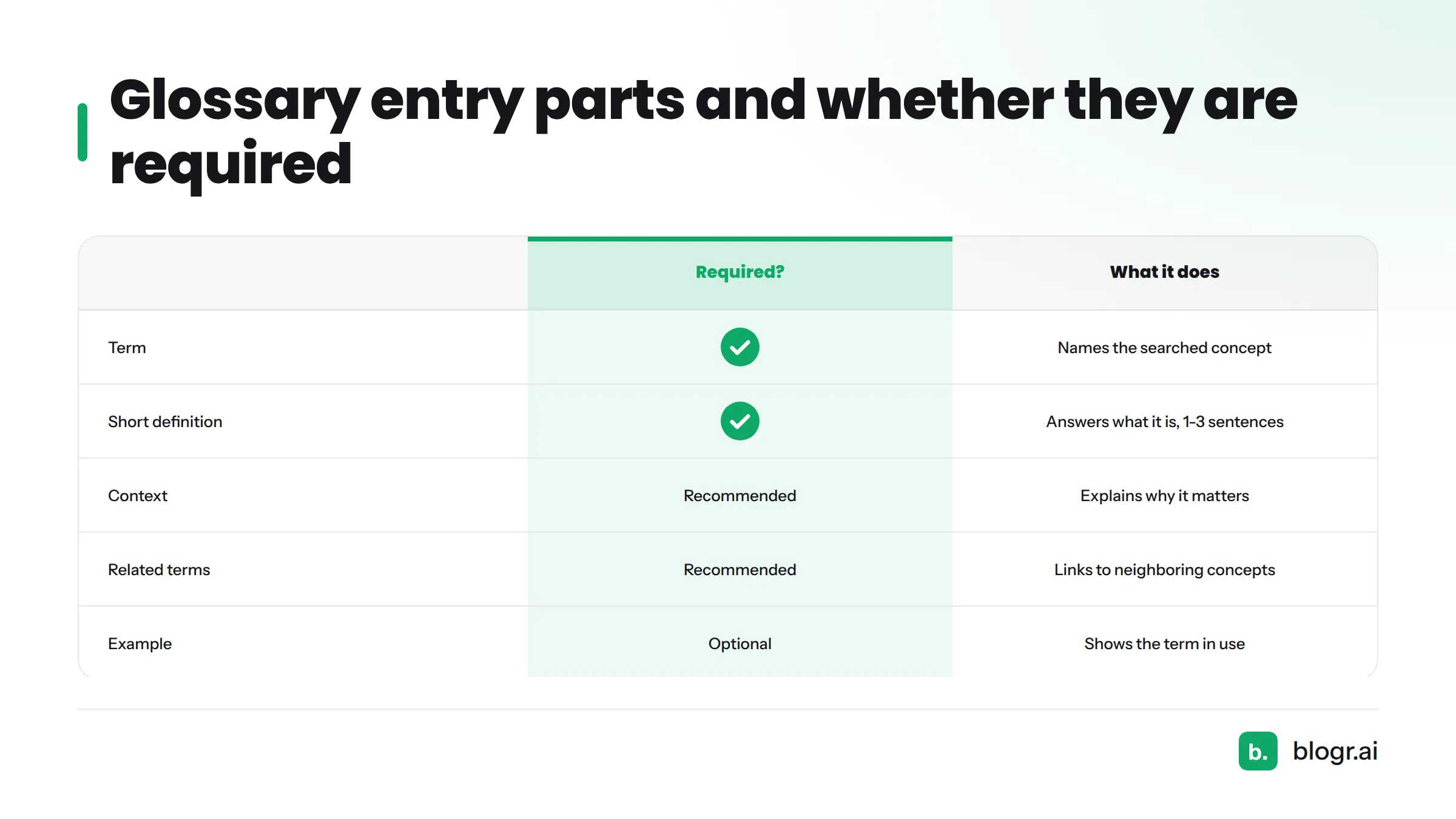
A strong entry includes:
- A short definition that stands alone.
- Context that says why the term matters.
- Related terms that lead to the reader's next question.
- Easy navigation, so the entry can be found fast.
| Entry part | What it does | Required? |
|---|---|---|
| Term | Names the concept in the form readers search for | Yes |
| Short definition | Answers "what is it?" in 1-3 sentences | Yes |
| Context | Explains why or when it matters | Recommended |
| Related terms | Links to neighboring concepts | Recommended |
| Example | Shows the term in use | Optional |
Team view: If an entry can't be understood without opening another tab, it isn't finished. Definition first, context second, next step third.
Let's break down eight formats. To keep things concrete, I'll use one term across several of them: anchor text.
1. Short-Definition Glossary: The Simplest Glossary Entry Examples
This is the plainest format. Each entry is a term and a brief definition, nothing more.
What it looks like
Anchor text: The clickable words in a link.
The Good Docs Project's glossary guide (checked October 29, 2026) describes this base version: a term, a definition of one to three sentences, and optional abbreviation and source fields. Its worked entry for "API" shows the pattern.
What it does well
It is fast to write, fast to read, and easy to keep consistent across dozens of terms. For anyone hunting for simple glossary examples, this is the one to start with.
What to copy
Keep each definition to a single idea. Add an abbreviation field for acronyms. Skip any term your reader already knows from a standard dictionary. The Good Docs guide gives the same advice.
2. Definition-Plus-Context Glossary
This format adds a second line that answers "so what?"
What it looks like
Anchor text: The clickable words in a link. Why it matters: Search engines read these words to learn what the linked page covers, so vague text like "click here" wastes the signal.
What it does well
Context turns a dictionary line into something a reader can use. The Milner Library glossary at Illinois State University (checked October 29, 2026) does this well. Its entries often add usage notes instead of stopping at the definition.
What to copy
Keep context to one or two sentences. Tell the reader why they should care. Don't define the term a second time.
3. Glossary With Related Terms and Cross-Links
Here, every entry ends with a "See also" line.
Anchor text: The clickable words in a link. See also: Internal link, backlink, link equity
The Milner Library glossary uses "See also" cross-references throughout. Related terms keep readers moving through your vocabulary instead of bouncing after one definition. They also give you natural internal links between entries.
Copy this: Limit "See also" to three or four terms, and make sure every linked term has its own entry. A cross-link to a missing entry is a dead end.
4. A-Z Indexed Glossary With Jump Navigation
Once a glossary passes a few dozen terms, readers need a way in. A-Z navigation gives them one.
Jump links are plain HTML anchor links: a row of letters at the top, each pointing to its section further down the page. Milner Library groups its entries under lettered tabs (A, B, C, D-F, G-I and so on), a neat fix for sparse letters.
Copy this:
- Add a sticky letter bar so navigation follows the reader down the page.
- Combine rare letters (like X, Y, Z) into one group.
- Grey out letters with no entries instead of hiding them.
5. One-Page-Per-Term Glossary
In this format, every term gets its own URL and its own page.
Strength: room for depth, and each page can match the search intent behind one term.
Caution: thin pages. A page with one sentence and a footer isn't worth publishing. Add context, an example, and related terms, or keep the term on a shared page.
I couldn't verify a third-party live example I'd be comfortable recommending, so I'll describe the structure instead. A term page works best with a short definition at the top, a context section, a worked example, and a related terms block. You can see a live glossary built on these principles in blogr.ai's SEO glossary.
6. Category-Grouped Glossary
When a vocabulary is large, grouping by topic beats strict alphabetical order. Someone learning link building doesn't want to hunt through the whole alphabet.
Milner Library offers a "Library Terms by Category" tab alongside its alphabetical tabs, so readers can browse either way. That dual view is the best part.
Copy this: Offer categories as a second route, not a replacement for A-Z. Keep category names plain, and let a term appear in more than one group if it belongs there.
7. Glossary With Examples and Visuals Per Entry
Some terms only click once you see them used.
Anchor text: The clickable words in a link. Weak:
<a href="/pricing">pricing</a>Better:<a href="/pricing">compare plans and pricing</a>, descriptive words that tell the reader and the crawler what the page holds.
Milner Library's entry for annotated bibliography includes worked citations in APA and MLA styles, so the reader sees the term in action. The Word Factory's guide (checked October 29, 2026) adds sound advice: include examples, synonyms, and antonyms where they clarify meaning, and add pronunciation for tricky terms.
Copy this: Add an example only when it saves the reader a paragraph of explanation. A small diagram or code snippet beats three more sentences.
8. Product-Tied Glossary That Links to Features
A product-tied glossary ends each definition with a link to the feature or use case the term relates to. It teaches first and guides second.
Our own SEO glossary works this way. A definition of a topical concept can lead to the topical map feature, and a definition of a content brief can lead to the live SERP briefs that put it into practice.
Copy this: Keep the definition neutral and useful. Add one relevant link at the end, and never put a sales pitch inside the definition.
Where Common Glossaries Fall Short
After reviewing many glossaries while building ours, I kept running into the same problems:
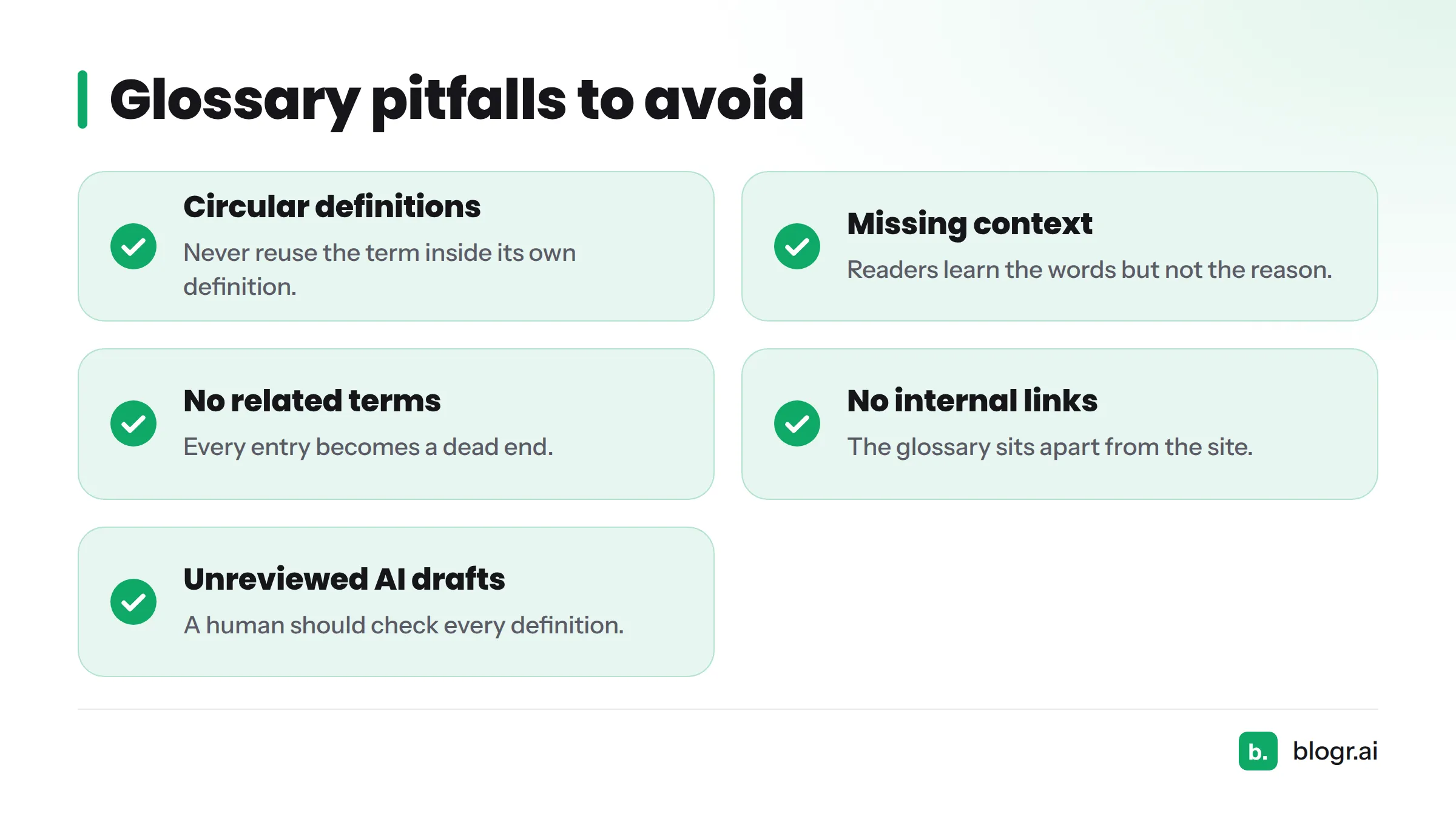
- Circular definitions. "A backlink is a link that is a back link." The Word Factory warns against reusing the term inside its own definition.
- No context. The reader learns the words but not the reason.
- No related terms. Every entry becomes a dead end.
- No internal links. The glossary sits apart from the rest of the site.
- Wall-of-text pages. Long unbroken lists with no navigation.
- Copied dictionary definitions. They sound formal and add nothing. The Good Docs guide advises against defining terms already in standard dictionaries.
- Unreviewed AI drafts. AI can speed up a first pass, but a human should check every definition for accuracy and tone.
How to Pick Which Glossary Example to Copy
Here is a quick way to match your situation to a format.
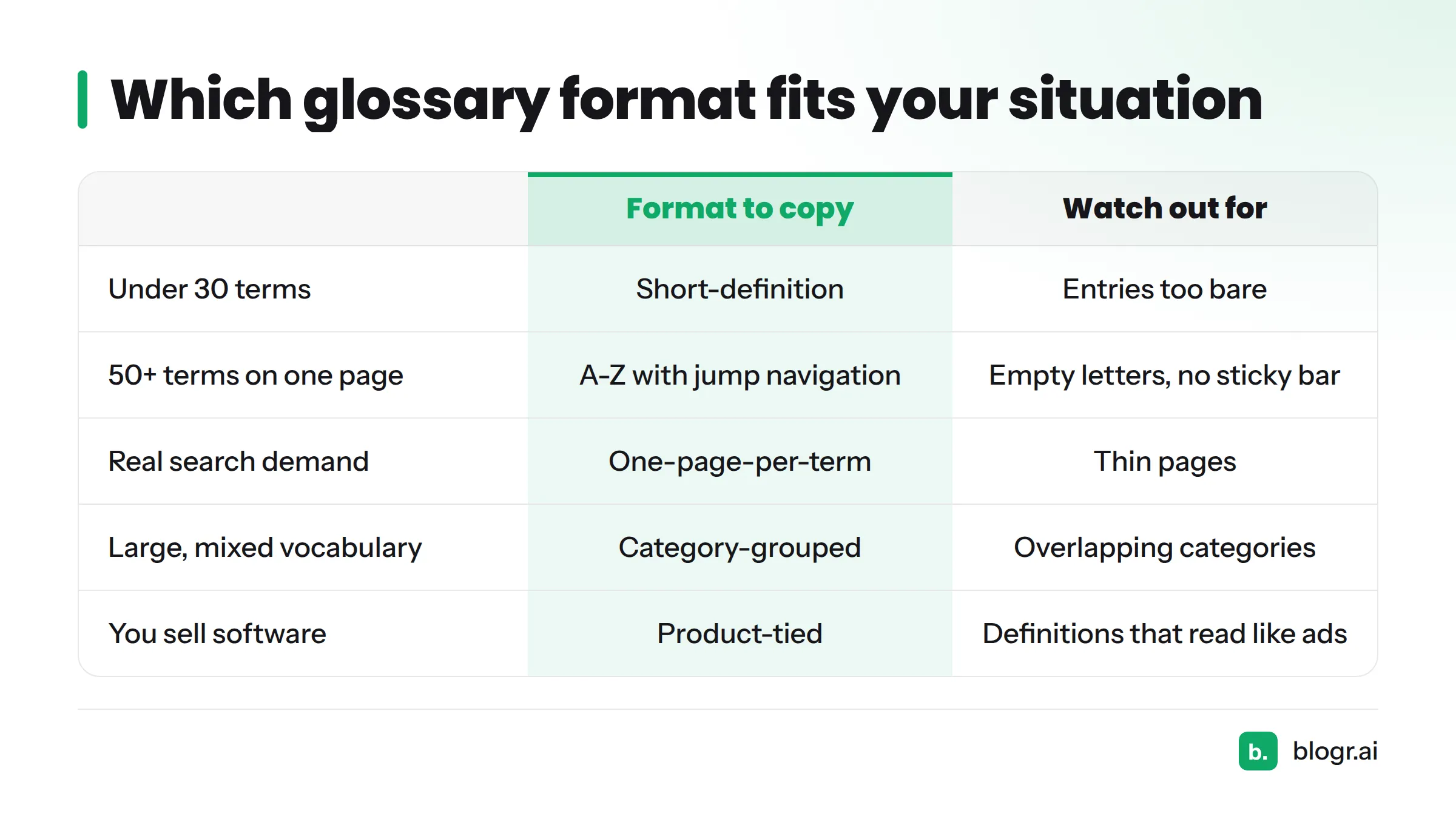
| Situation | Format to copy | Watch out for |
|---|---|---|
| Under 30 terms, internal docs | Short-definition | Entries too bare to help |
| You want readers to act on terms | Definition-plus-context | Context that repeats the definition |
| Terms depend on each other | Related terms and cross-links | Links to entries that don't exist |
| 50+ terms on one page | A-Z with jump navigation | Empty letters, no sticky bar |
| Each term has real search demand | One-page-per-term | Thin pages |
| Large, mixed vocabulary | Category-grouped | Overlapping categories |
| Abstract or technical terms | Examples and visuals | Decorative visuals that explain nothing |
| You sell software or services | Product-tied | Definitions that read like ads |
Most good glossaries combine two or three of these. A one-page-per-term glossary can still use related terms, and an A-Z page can still use categories. For setup steps, look for our guide on how to choose a glossary format. For schema, see our schema markup guide, which covers DefinedTerm markup.
Next steps: grab our free glossary template, copy the entry structure above, and write your first ten terms. Our SEO content templates are a good place to go after that, and if you like learning from annotated samples, Blog Post Examples takes the same approach.
FAQ
What is a glossary?
A glossary is a list of terms with short definitions, usually focused on one subject. It helps readers understand unfamiliar words without leaving the page.
What is the difference between a glossary and an index?
A glossary defines terms. An index points to the pages or sections where a topic appears, without explaining it. Many books include both.
Is a glossary always alphabetical?
No. Alphabetical order is the most common, but glossaries can be grouped by category or ordered by the sequence in which terms appear in the text. Large web glossaries often offer both views.
What are examples of terminology?
Terminology means the specialized words of a field. In SEO, "anchor text," "internal link," and "search intent" are all terms. In library science, "annotated bibliography" is one.
What should a glossary entry include?
At minimum, the term and a short definition. Better entries add context, related terms, and an example where it helps.