


Auto SEO Tools: How to Choose and Combine Them (2026)

An auto SEO tool is software that takes over repeatable SEO jobs, such as keyword research, content briefs, drafting, publishing, rank tracking and refreshes, while a person approves the work that matters. To choose one, name the job first, match it to a tool type, score five criteria, and pilot it on a single article. Let's break it down.
I have run SEO stacks built from five and six separate tools. The tools were fine. The gaps between them hurt: keyword lists that never reached the brief, published pages nobody tracked, and refresh ideas that died in a spreadsheet. So this guide rests on one idea: automate the loop, not just the task.
Full disclosure: blogr.ai makes an SEO content automation platform, so I have a view. I will keep the choosing steps vendor-neutral and label opinion as opinion.
What an Auto SEO Tool Automates, and What It Leaves to You
Search results for this phrase are mostly product listings, and some searchers want one specific product literally named AutoSEO. This guide covers the generic category instead: any tool that takes over repeatable SEO work.
A plain-English definition
Automatic SEO means software performs recurring jobs for you. It finds keywords, builds briefs, drafts pages, publishes them to your CMS, tracks results and flags pages that need updates. You set the rules and review the output. Terms like "SEO automation software," "automated SEO tools," "SEO automation tools" and "SEO autopilot" all describe this same idea.
What stays manual
Four things belong to a person:
- Strategy: which topics and audiences deserve your effort.
- Brand voice: what you would and would not say.
- Facts: claims, numbers and product details need checking.
- Final approval: the last read before anything goes live.
Automatic does not mean unsupervised. Google's guidance on generative AI content says that using automation to produce many pages without adding value for users may violate its spam policies. The tool is not the problem. Publishing unreviewed, low-value pages at scale is.
Step 1: List the SEO Jobs You Want Off Your Plate
Start with work, not brands. Write down which of these jobs eat your week:
- Keyword and topic research
- Content briefs
- AI drafting
- Auto-publishing to a CMS
- Performance tracking
- Content refresh
- Technical SEO audits
Then rank each job by two numbers: hours per month and how repetitive it is. A job that takes six hours and follows the same steps every time is a prime automation target. A job that takes one hour and needs fresh judgment each time is not.
Most solo founders I talk to put drafting and publishing at the top and tracking at the bottom. That is backwards for results.
Step 2: Match Each Job to the Tool Type That Covers It
Every job has a tool type. Use this table as your map. It also doubles as a shortlist of the best tasks to automate in SEO: the rows with a light human checkpoint.
| Job | What automation does | Tool type | Typical input / output | Human checkpoint |
|---|---|---|---|---|
| Research | Pulls keywords, runs SERP analysis, groups topics | Keyword research tool, clustering tool | Seed topic or Search Console data in, topic list out | Pick which topics fit the business |
| Briefs | Turns a keyword and SERP into an outline | Content brief generator | Keyword in, structured brief out | Check intent and angle |
| Drafting | Writes a first draft from the brief | AI writer | Brief in, draft out | Fact-check and edit voice |
| Publishing | Sends approved posts to your CMS on a schedule | Auto-publish connector | Approved draft in, live URL out | Approve before it ships |
| Tracking | Monitors rankings, clicks and impressions | Rank tracker, Google Search Console | Live pages in, performance data out | Decide what to act on |
| Audits | Crawls the site for technical issues | Site audit tool | Domain in, issue list out | Prioritize fixes |
| Refresh | Flags decaying pages and rewrites them | Content refresh tool | Performance data in, updated page out | Approve changes |
For a clustering example, a free keyword clustering tool groups a messy keyword list into topics so each page targets one intent.
Where all-in-one platforms and workflow connectors fit
You have a few ways to cover several jobs. A point tool does one job well. An all-in-one platform such as Semrush covers many jobs under one login. A workflow connector such as Make links APIs, spreadsheets and AI models so one tool's output becomes the next tool's input. Connectors are flexible, but you build and maintain the plumbing yourself.
Step 3: Score Tools Against Five Selection Criteria
Give every candidate a score from 1 to 5 on each criterion. In my book, anything under 3 on human control is a dealbreaker.
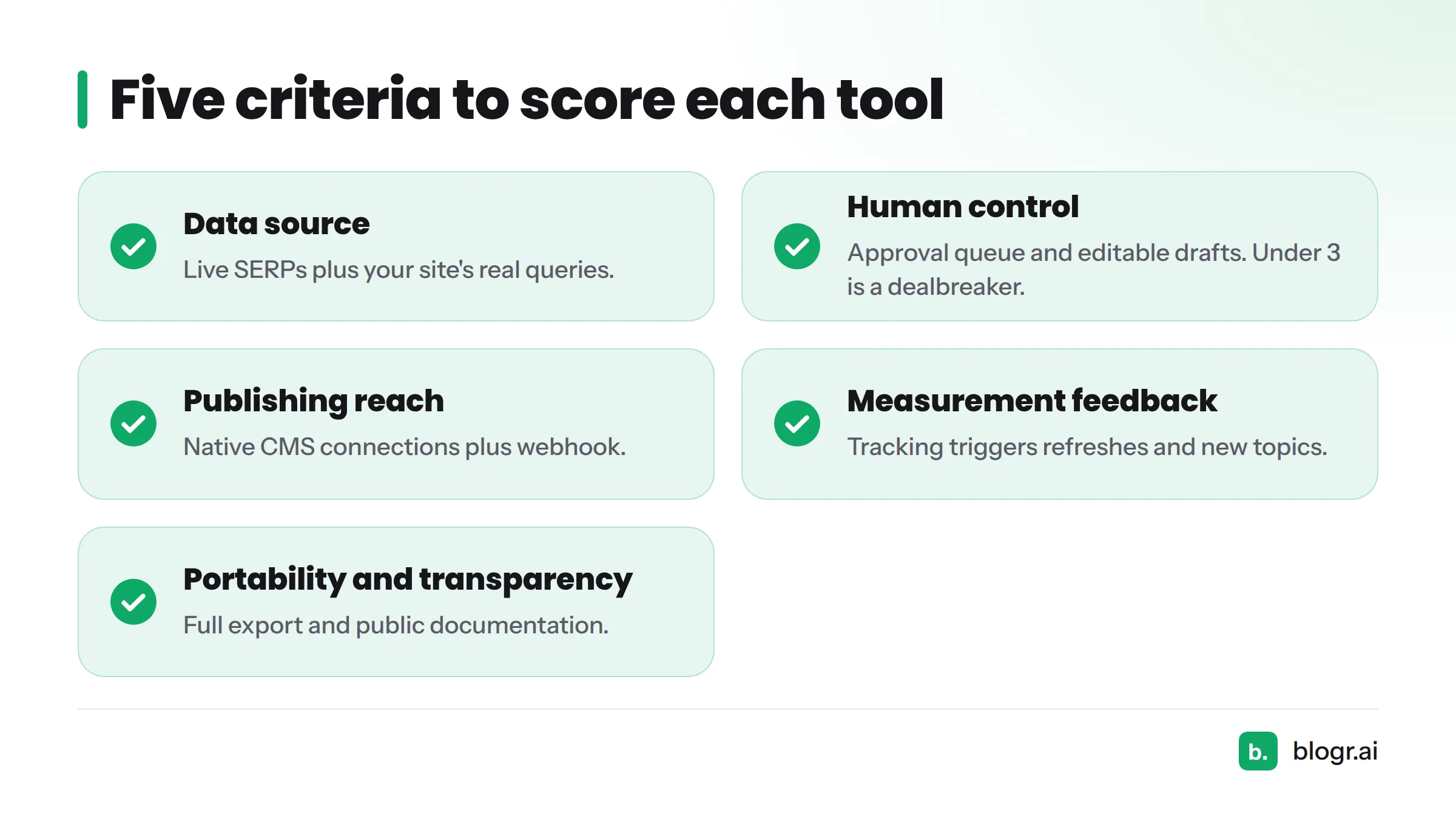
| Criterion | The question to ask | 1 (weak) | 5 (strong) |
|---|---|---|---|
| Data source | Does it use live SERP analysis and your own Search Console data? | Generic keyword lists | Live SERPs plus your site's real queries |
| Human control | Can you approve, edit or reject before publishing? | Publishes automatically, no gate | Approval queue and editable drafts |
| Publishing reach | Which CMS platforms does it connect to, and does it support webhooks? | Copy and paste only | Native connections to WordPress, Webflow, Shopify, Ghost, plus webhook |
| Measurement feedback | Does tracking feed the next action? | Reports only | Tracking triggers refreshes and new topics |
| Portability and transparency | Can you export your content and data, and are claims documented? | Locked in, vague claims | Full export, public documentation |
Check vendor claims against public documentation, then run a one-article pilot. Pick one low-risk topic, take it from brief to published page, and note every manual step you had to add. That list is your real cost, and it makes an honest auto SEO tool review of your own.
If you want brand-by-brand views, see this comparison of the best AI SEO writers. For drafting specifically, this guide to AI writing tools for SEO covers what to check in AI SEO tools.
Step 4: Decide Which Tasks Are Worth Automating
Sort every task into one of three buckets: automate (software does it), assist (software drafts, you decide) and keep human.
| Task | Automate | Assist | Keep human | Why |
|---|---|---|---|---|
| Rank and click tracking | Yes | Pure data collection | ||
| Technical audit crawling | Yes | Rule-based checks | ||
| Keyword clustering | Yes | Pattern work | ||
| Brief creation | Yes | Needs an intent check | ||
| First drafts | Yes | Needs facts and voice | ||
| Publishing and scheduling | Yes, after approval | Mechanical once approved | ||
| Refresh detection | Yes | Triggered by data | ||
| Refresh rewriting | Yes | Needs judgment | ||
| Topic strategy | Yes | Depends on business goals | ||
| Final approval | Yes | Accountability |
To see how these fit your plan, read how to build an SEO content strategy. The step-by-step mechanics of automating SEO content get their own treatment in a sibling guide, so I will not repeat them here.
Red flags
- Bulk publishing with no approval. This is the fastest route to thin pages.
- No source citations in drafts that make factual claims.
- No tracking. If a tool publishes but never measures, you are guessing.
- Vendor claims you cannot verify in public documentation.
Step 5: Combine Point Tools Without Creating Handoff Gaps
Compare two setups. In the first, five point tools sit in a row. Between each pair, a person exports a CSV, pastes it into the next tool, and hopes nothing got lost. In the second, one loop carries data from research to brief to draft to publish to tracking and back to research, with a person approving at the gate. The difference is where the manual handoffs sit, and every handoff invites errors and delays.
Common handoff gaps
- Exports and imports. Keyword lists live in a spreadsheet and never reach the brief.
- Lost context. The brief knew the intent, but the writing tool never saw it.
- Duplicate keywords. Two tools suggest the same topic, and you publish both.
- Cannibalization. Two pages compete for one query, and both rank poorly.
- Internal links. New posts go live with no links to or from related pages.
When one platform beats a stack
My opinion: for a small team, fewer tools wins. Every extra tool adds a login, a handoff and a reconciliation job. A single platform with SEO content automation from research to refresh removes most handoffs, which is why we built blogr.ai that way. A bigger SEO tool stack still makes sense when you need a specialist capability, such as deep technical crawling for a very large site. How teams coordinate this work is a separate topic, covered in a sibling guide on automating your content workflow.
Step 6: Close the Loop From Research to Refresh
Most stacks skip this step. Google Search Console shows which queries your pages already appear for, and its Performance report lists clicks, impressions, average position and the queries behind them. Feed that data back into your tools and the loop closes:
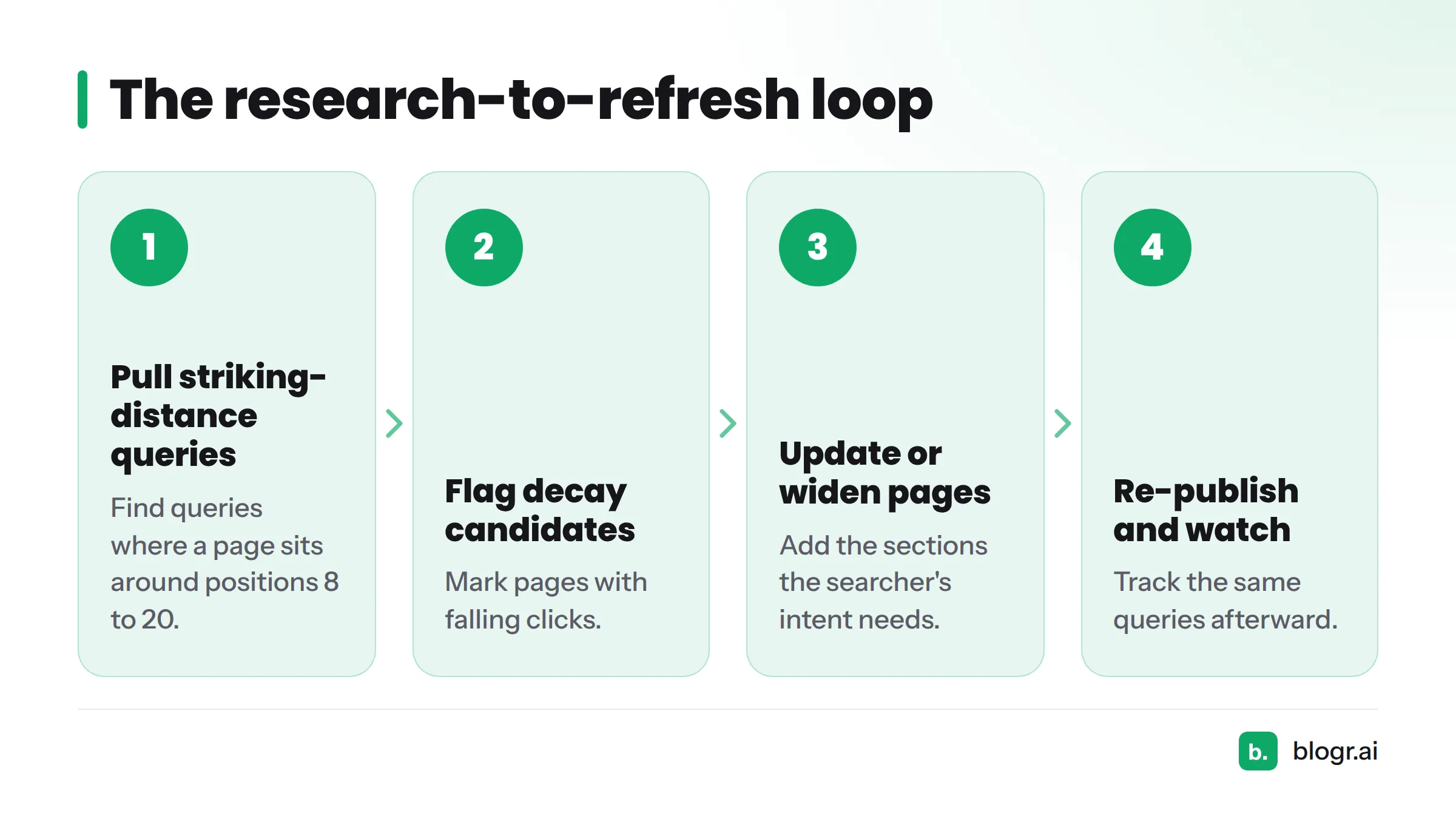
- Pull queries where a page sits around positions 8 to 20.
- Flag pages with falling clicks as decay candidates.
- Update or widen those pages.
- Re-publish and watch the same queries.
Here is an example flow. A page ranks at position 12 for a query, and the searcher's intent includes two sub-questions the page never answers. You add those sections, tighten the title, and re-publish. Then you watch the position for a few weeks. Finding those pages is the point of a striking-distance keywords workflow, and the same data helps you find keywords in Search Console.
For a real number, one blogr.ai customer page moved from position 12 to position 4 for a CRM query in 21 days, with 620 impressions. That is a single customer example supplied by blogr.ai, not a benchmark, and your results will differ.
Tools can handle the detection and drafting here. blogr.ai's content refresh feature works from Search Console data, and auto-publish sends approved updates to your CMS. If you prefer the manual route, updating old blog posts walks through it. The payoff of a closed loop is simple: you stop losing the gains you already earned. A sibling guide covers the broader benefits of automated SEO.
One optional extra: some tools also track AI visibility, meaning whether AI answers mention you. Treat it as a measurement job, not a promise. Our explainers on Google AI Overviews and generative engine optimization cover the context.
Verdict: Pick a Setup by Team Size and Goal
| Who you are | What to prioritize | Suggested setup |
|---|---|---|
| Solo founder | Time saved, safe publishing | One all-in-one platform with an approval queue |
| Small marketing team | Fewer handoffs, shared review | One platform, plus Search Console as the data source |
| Agency | Many sites, consistent approvals | Platform with multi-site support, per-client approval gates |
| Ecommerce | Category and product-adjacent content, CMS reach | Platform with Shopify or webhook publishing, plus a site audit tool |
| Publisher | Volume, freshness, editorial control | Strong refresh and decay detection, human editors on every post |
Next steps. Not sure where you stand? Start with the free Search Console audit. It shows which pages sit just off page one, which tells you whether you need research, refresh or both. When you are ready to test a platform end to end, try the 7-day trial on blogr.ai and run the one-article pilot from Step 3.
FAQ
What is automatic SEO?
Automatic SEO is the use of software to perform recurring SEO jobs, such as research, briefs, drafting, publishing, tracking and refreshes, with a human reviewing and approving the output. It cuts repetitive work. It does not replace strategy.
Which SEO tasks are worth automating?
Automate rule-based, data-heavy jobs: rank tracking, technical audits, keyword clustering, scheduling and refresh detection. Use software to assist on briefs, drafts and refresh rewrites. Keep strategy and final approval with a person.
Is there a free auto SEO tool?
Some jobs have free options. Google Search Console is free and covers performance data, and blogr.ai offers free tools including a Search Console audit and keyword clustering. If you search for an auto SEO tool free of charge, expect partial coverage: fully automated research-to-publish platforms are typically paid, though many offer trials.
Can an auto SEO tool replace an SEO professional?
No. Tools handle repeatable work. A professional sets strategy, judges quality, handles edge cases and takes accountability. A small team without one can pair tools with a clear approval step, as in this guide to on-page SEO for founders.
Is SEO dead or evolving in 2026?
SEO is evolving. Search now includes AI-generated answers alongside classic results, and Google still names helpful, original content as the foundation in its guidance on helpful content. For the differences, see SEO vs GEO.
How many tools do I need in an SEO tool stack?
As few as cover your jobs. Many small teams do well with Search Console plus one platform. Add a specialist tool only when a job needs more depth than the platform offers, and count every handoff you add.